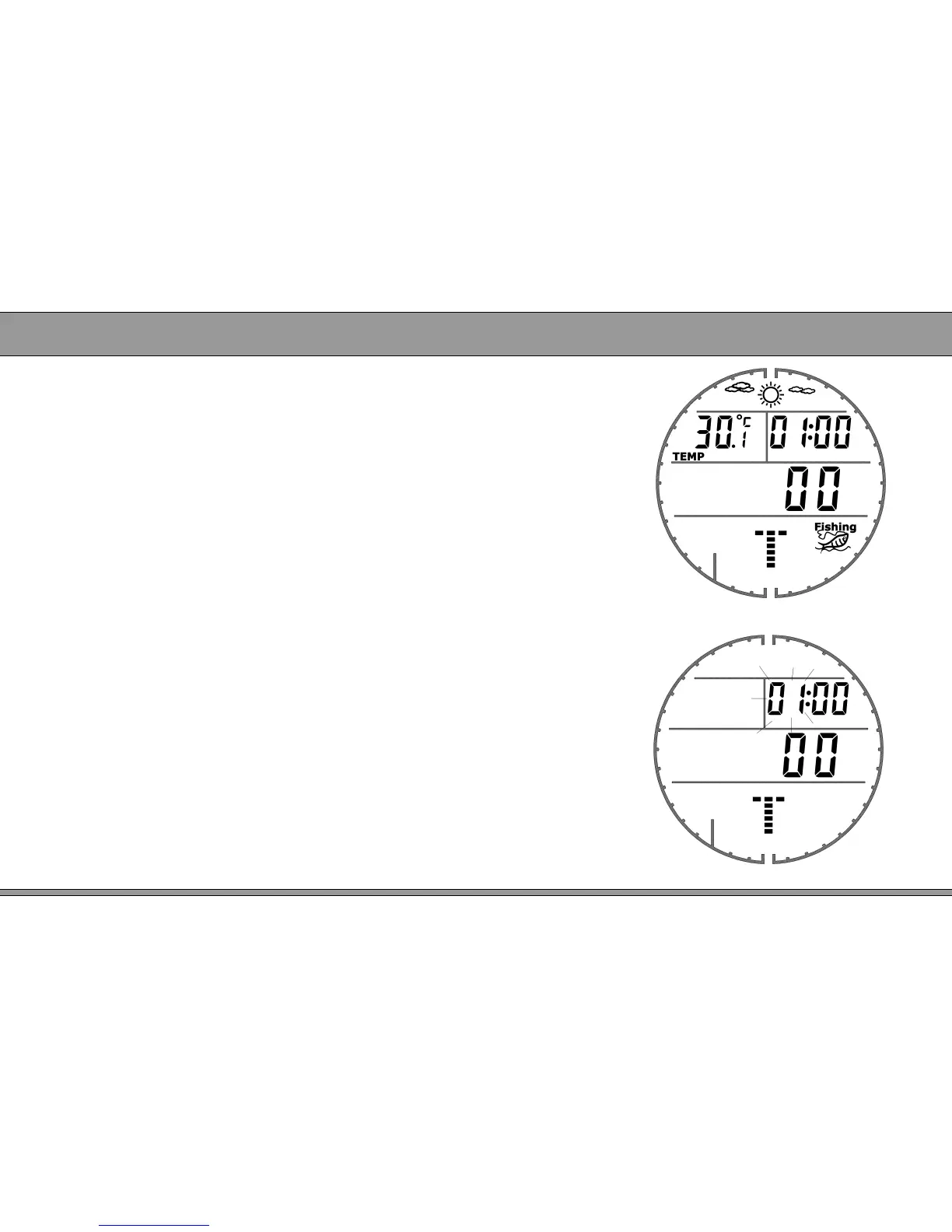
Figure 3
7
● Under time mode, press button MODE to enter
countdown timer mode.
● LCD display weather forecast, temperature,
countdown timer, suitable fishing icon.
Please refer figure 3.
● Turn on/off countdown
:
: press SET button to turn on/off
countdown. When times up, it will remind by sound
in 30 seconds.
2.4 Countdown timer mode
Countdown timer setting
● Under countdown mode, long press button SET
3 seconds to open backlight; long press it 6
seconds to enter countdown setting mode.
Please refer figure 4.
● Press button MODE to switch setting items. Press
button SET to set digit. Long press SET to save
setting and exit to countdown mode.
Figure 4


 To Next Page