FORM NO. 660769 REV. C PAGE 23
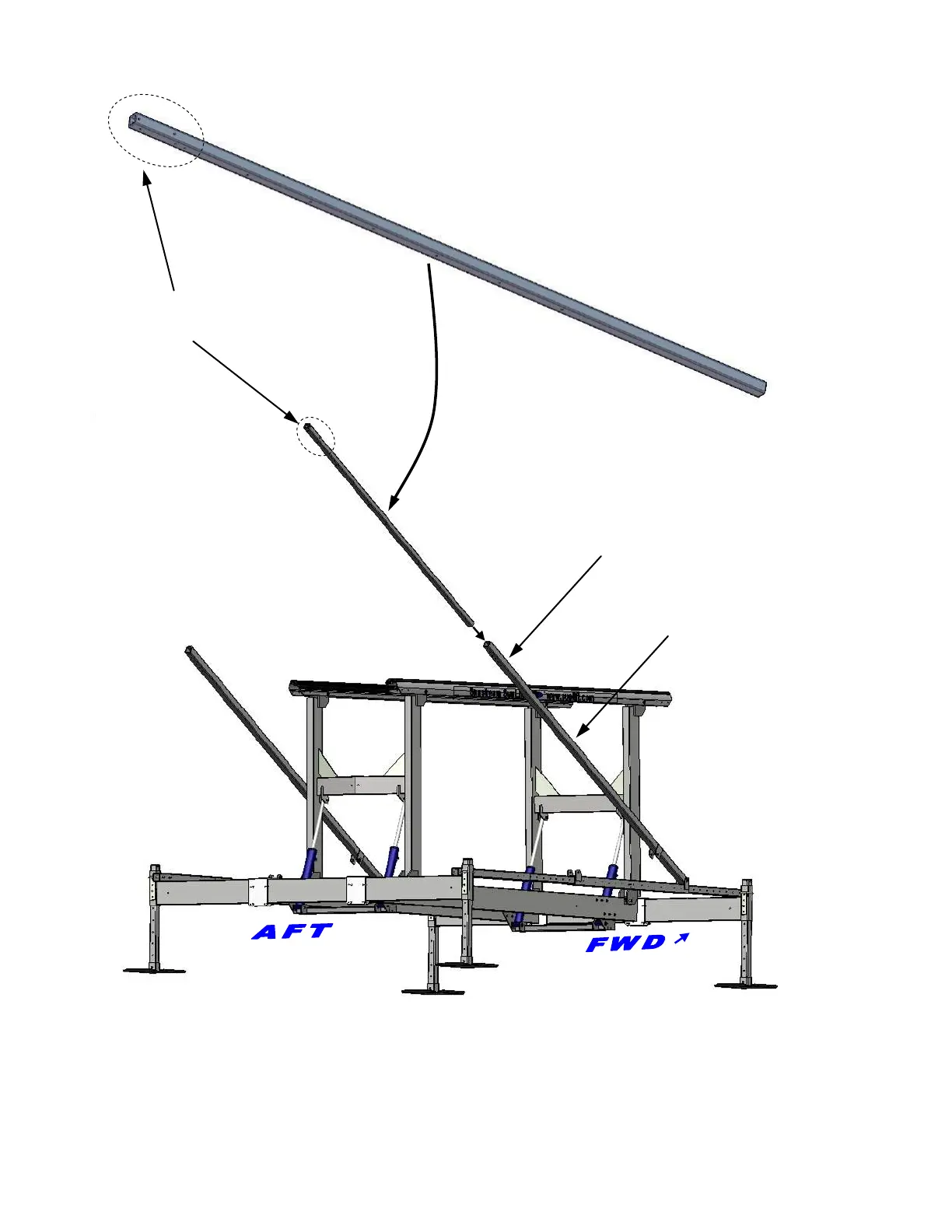
Upper Arm
Steps:
1. Insert Upper Arm into Lower Arm, on dock side first.
2. Apply anti-seize to bolt threads before installing nut.
3. Temporarily bolt in place with 3/8-16 x 3” bolt and nut. Continue to step 2-I
4. Repeat on opposite side of SwiftShield™ after completing step 2-I.
2-G
Upper Arm Installation
Cross Beam
mounting holes
Temporarily
bolt in place
Lower Arm


 To Next Page