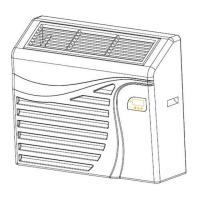
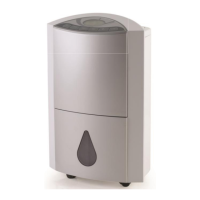
Touch Pad Keys:
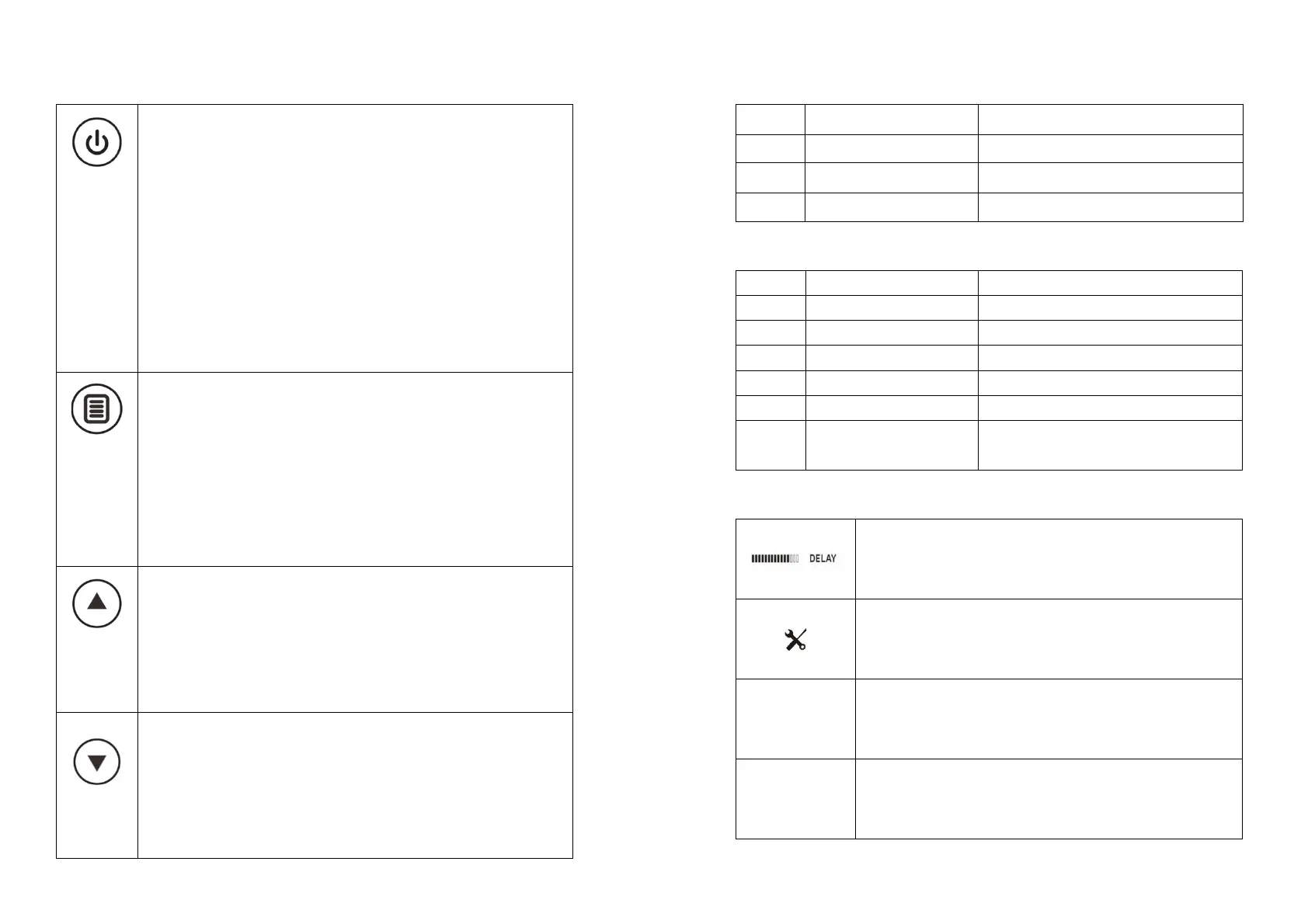
On/Off. Press the On/Off key to start or stop the dehumidification.
l After press the On/Off key, the machine starts and performs a
compressor delay. The delay is up to a maximum of 180 seconds. (30
seconds delay for the first startup). The DELAY BAR flashes during this
delay period.
l When dehumidification starts, the red indication light changes to green
and LCD light up.
l When dehumidification starts, the LCD will display the current ambient
humidity.
l Press the START/STOP key again to turn the machine off. The green
indication light changes back to red and LCD light off.
MENU. Press the MENU key each time to choose the “CURRENT”
HUMIDITY, “SET” HUMIDITY; “TIMER” CLOCK, “TOTAL” CLOCK, “JOB”
CLOCK; “
o
F” TEMPERTURE, “
o
C” TEMPERTURE functions sequentially.
l In STANDBY MODE, the default function is “CURRENT” HUMIDITY,
When error messages are on, “TIMER” CLOCK, “TOTAL” CLOCK, “JOB”
CLOCK; “SET” HUMIDITY; “CURRENT” HUMIDITY, “
o
F” TEMPERTURE,
“
o
C” TEMPERTURE icons & wordings are disappear. Press MENU key again
to get back those displays.
“UP” KEY. Press the “UP” key to go to the Humidity Setting Mode and start
to set the desired air humidity,
The desired air humidity will be increased by 5% for every press on the “UP”
key. The default preset desired humidity is 60%RH. The adjustable range is
from 25% RH to 80% RH. “- - %RH” is the value beyond this range, which
read as nonstop dehumidification.
“DOWN”KEY. Press the “DOWN” key to go to the Humidity Setting Mode
and start to set the desired air humidity,
The desired air humidity will be decreased by 5% for every press on the
“DOWN” key. The default preset desired humidity is 25%RH. The adjustable
range is from 20% RH to 80% RH. “- - %RH” is the value beyond this range,
which read as nonstop dehumidification.
On/Off Indication Light:
Machine has been turned off.
Machine has been turned on.
Machine start dehumidification.
WiFi Indication Light:
EZ/AP WiFi Connection Failure
WiFi Connection successful.
WiFi Connection Failure/ WiFi pcb is
disconnected.
LCD Display:
RUN Mode. DEHUMIDIFICATION is ON.
SLEEP Mode. DEHUMIDIFICATION is OFF. It automatically
goes back to Running Mode again when the ambient humidity is
higher than the preset humidity.


 To Previous Page
 Loading...