22
DE | | FR | IT GB
FOX-360 functions
4 |
Connect the FOX-360 and conveniently read off all voltages, currents,
charging conditions on the large, illuminated display and partly in the
form of graphics. Additionally, you can change many parameters, such
as cut-off voltages, maximum discharge depth, charge ratio battery 1
to battery 2 and many more.
Once you experienced the luxury, you will never want to be without the
FOX-360 again.
The operation of the FOX-360 is very easy because all menus are
structured on the same principle:
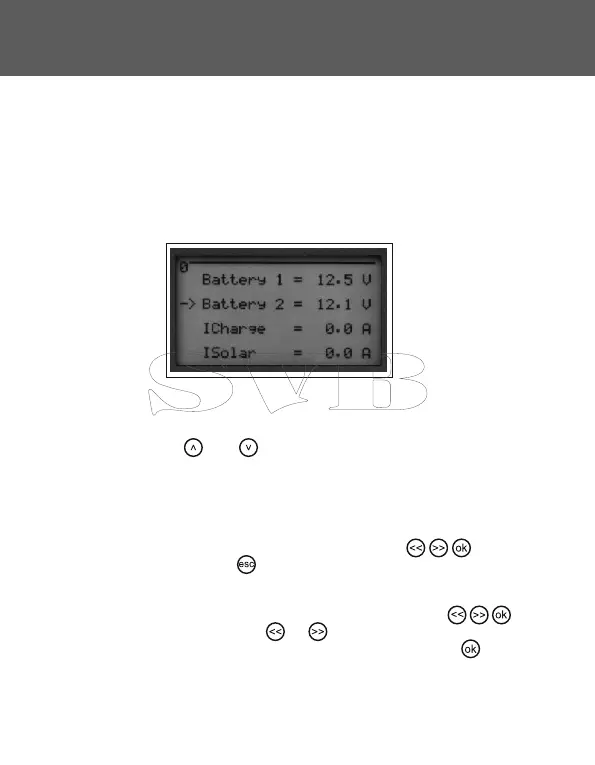
The arrow keys and call up the individual display screens.
The display screens distinguish between the pure data output and the
parameter display:
Data output:
On the display screens for the data output the keys have no
functions. Using the key will return you to the default display.
Parameter display:
On the display screens for the parameter display the keys
are activated. When you use or , the previous or next option for
this parameter will be displayed. Only when you use the key , the
data will be saved.


 To Next Page