24
DE | | FR | IT GB
Display functions FOX-360
5 |
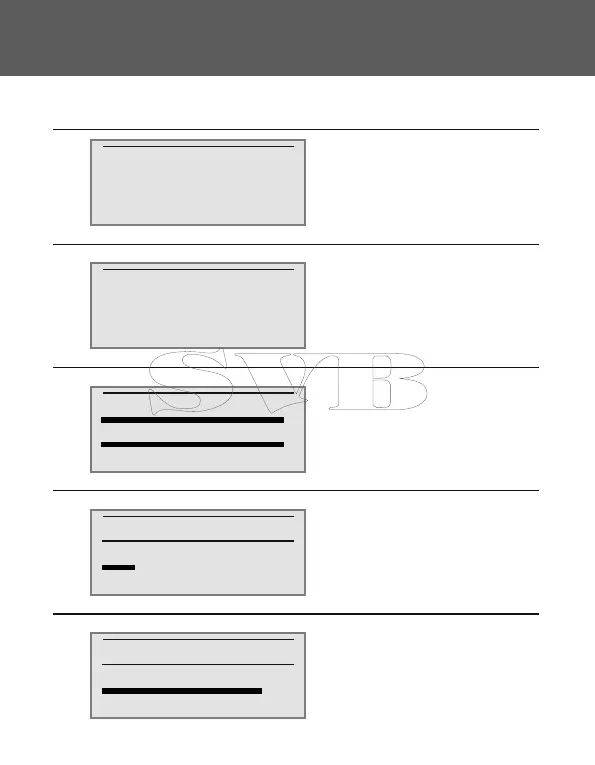
Display screens:Pos. Meaning:
1
2
3
4
-> Battery 1 = 12.9 V
Battery 2 = 12.9 V
ICharge = 0.0 A
ISolar = 0.0 A
Assignment of the output
terminal
Capacity use of battery 1
-> Battery 1
Battery 2
0 % 50 % 100 %
Mode Output
AUTO LAMP ON OFF
<< >>
Capacity Usage
80 %
<< >>
"->" Battery being charged at
present
Bar diagram: charging condition
0
-> Battery 1 = 12.9 V
Battery 2 = 12.9 V
ICharge = 0.0 A
IOut = 0.0 A
Batt. 1: Present voltage battery 1
Batt. 2: Present voltage battery 2
I Charge: Present charge current
I Solar: Present module current
"->" Battery being charged
at present
I Out: Present load current
0
1
2
3
4


 To Next Page