Page 9 of 24 Form 0159J 1815 03/10/2008
Superchips Inc.
Superchips Inc. 1790 East Airport Blvd., Sanford, FL. 32773 (407) 585-7000 http://www.Superchips.com
Superchip & Superchips are registered trademarks of Superchips, Inc.
Performance Tuning
¾ Quick Start – Program my vehicle with User Options NOW!!!
*** Press DOWN to scroll as needed ***
*** Press PLUS/MINUS to adjust options as needed ***
From the Opening screen
1) Press ENTER – after selection of Performance Tuning
2) Press ENTER – after selection of Read Vehicle
3) Press ENTER – after selection of Read Stock
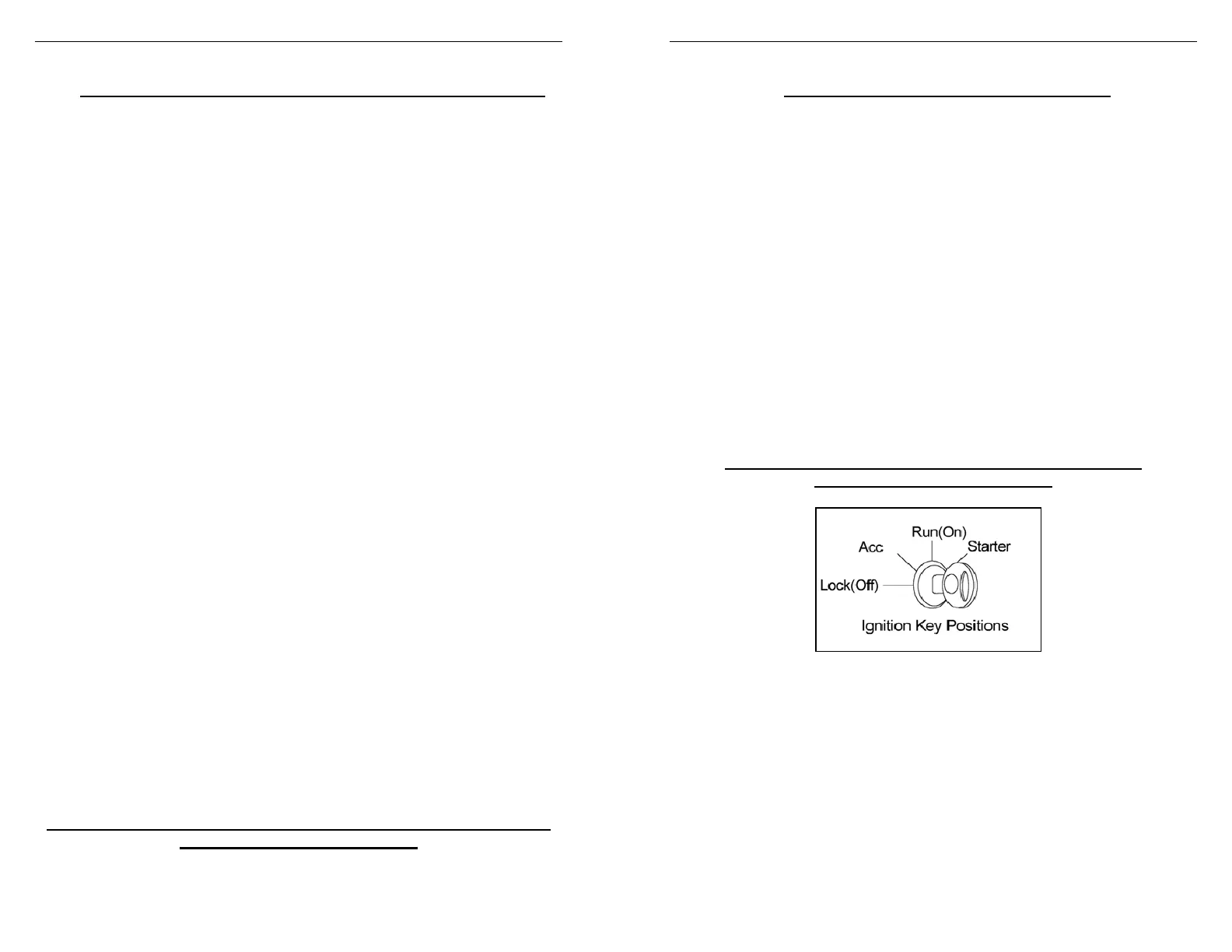
4) Follow ON SCREEN Prompts including any Vehicle Ignition
ON/OFF requests (DO NOT START VEHICLE!!!)
5) Press EXIT – returns you to previous screen
From the Performance Tuning screen
1) Press ENTER – after selection of Change Setup
2) Press ENTER – after selection of Power Level
3) Press SAVE – after selection of the tuning level
Follow ON SCREEN Prompts for octane fuel & option status
1) Press ENTER – after selection of Options
2) Press NEXT/SAVE – adjusts Rev Limiter
You must have Z rated tires to modify the Speed Limiter
3) Press NEXT/SAVE – adjusts Speed Limiter
4) Press SAVE – after adjusting Axle Size
5) Press SAVE – after adjusting Tire height
6) Press SAVE – after adjusting (WOT) shift point 1-2
7) Press SAVE – after adjusting (WOT) shift point 2-3
8) Press SAVE – after adjusting (WOT) shift point 3-4
9) Press SAVE – after adjusting shift pressure 1-2
10) Press SAVE – after adjusting shift pressure 2-3
11) Press SAVE – after adjusting shift pressure 3-4
12) Press EXIT – returns you to previous screen
From the Performance Tuning screen
1) Press ENTER – after selection of Program Vehicle
2) Follow ON SCREEN Prompts including Vehicle Ignition
ON/OFF requests (DO NOT START VEHICLE!!!)
Upon completion, remove cable from vehicle
Your vehicle is now programmed with Superchips and user options!
You may now start your vehicle.
Page 10 of 24 Form 0159J 1815 03/10/2008
Superchips Inc.
Superchips Inc. 1790 East Airport Blvd., Sanford, FL. 32773 (407) 585-7000 http://www.Superchips.com
Superchip & Superchips are registered trademarks of Superchips, Inc.
Performance Tuning
¾ Return My Vehicle to Factory Stock Now!!!
Please follow the steps below to return your vehicle to factory stock
*** Press DOWN to scroll as needed ***
From the Opening screen
1) Press ENTER – after selection of Performance Tuning
2) Press ENTER – after selection of Change Setup
3) Press ENTER – after selection of Power Level
4) Press SAVE – after selecting the Stock tuning level
5) Press EXIT – returns you to previous screen
From the Performance Tuning screen
1) Press ENTER – after selection of Program Vehicle
2) Follow ON SCREEN Prompts including Vehicle Ignition
ON/OFF requests (DO NOT START VEHICLE!!!)
Upon completion, remove cable from vehicle
Your vehicle’s program is now returned to factory stock.
You may now start your vehicle.



 To Next Page