2. BEFORE STARTING
• Check that the security protocol of the modem/router is set at “WPA”/”WPA2”.
The “WEP” protocol is not supported by the camera, because it is not reliable
enough.
• Check that the 2.4G (2.4 GHz) wireless connection is active on the modem.
The 5G (5 GHz) connection is not currently supported.
• Insert the microSD memory card only after the camera has been synchronised.
• The microSD memory card must be formatted in the “FAT32” mode, its capacity
cannot exceed 128 GB and it must be category 6 or higher.
3. INSTALLATION
3.1 INSTALLATION OF THE APP
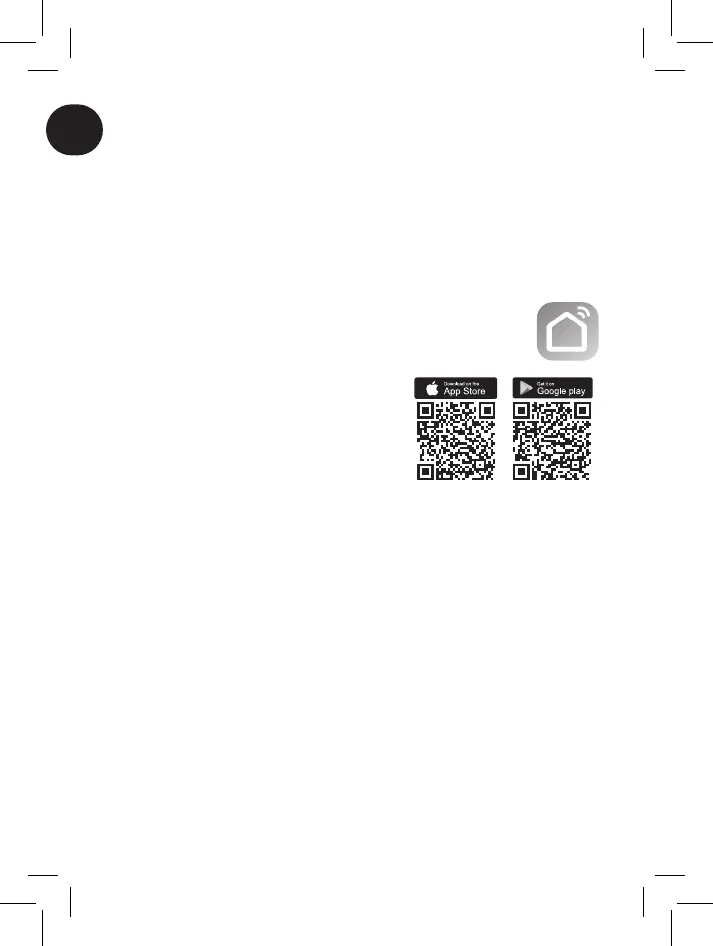
iOS®: Open the “App Store®”, search for the “Smart Life – Smart
Living®” App and install it
Android®: Open the “Play Store®”, search for the “Smart Life – Smart
Living®” App and install it
As an alternative, use the QR codes on the right.
The “Smart Life®” App is free and compatible with
any device which supports iOS® 11.0 or higher or
Android® 6.0 or higher.
3.2 INSTALLATION OF THE CAMERA
Connect the “Security” camera to the electrical
current.
It will make a rotational movement, followed by a pair of acoustic signals at regular
intervals of approximately 15 seconds, to conrm that the synchronisation mode with
the App has been activated.
Open the “Smart Life®” App and follow the instructions on the screen.
Attention: Once the camera recognises the QR code, it will make a sharper sound than
the earlier signals.
FUNCTIONS AND USE OF THE “SMART LIFE®” APPLICATION (DEPENDS ON
THE VERSION INSTALLED)
A. “Home”
This page is for managing devices connected to the “Smart Life®” application. To add a
new device to the list, press the “+” in the upper-right portion.
Press the key on the camera (if the factory settings have been maintained: “Superior
Smart – Security iCM003”) to access the main operating page.
The icon in the upper right (3 dots) can be used to open the settings page and, for
example, to modify the name of the device, permit sharing with other users, activate
the “alarm” function (listed on the menu as “Detection Alarm Settings”) or remove the
camera from the account.
Attention: The internet connection (wireless or cable) must be active to access the
camera with the App. If the modem/router is turned o, then Smart devices cannot be
controlled.



 To Next Page