Version V1.3
4. Complete the one-button address writing setting
Confirm the settings are correct, click the confirm button to complete the program output.
5. Controller one-click address writing operation
①SD card inserted into the controller;
② Power on the controller;
③ Long press“MODE” button for 5 seconds, the controller display “A-A-A” means it is writing
address now;
④After the address is written, the controller will also enter the channel test mode (same as
the channel test after manual address).
⑤After completing the channel test, press the “chip chip” button to exit the test mode, and
the controller returns to the playback mode to work normally.
九、DMX512 luminaire test
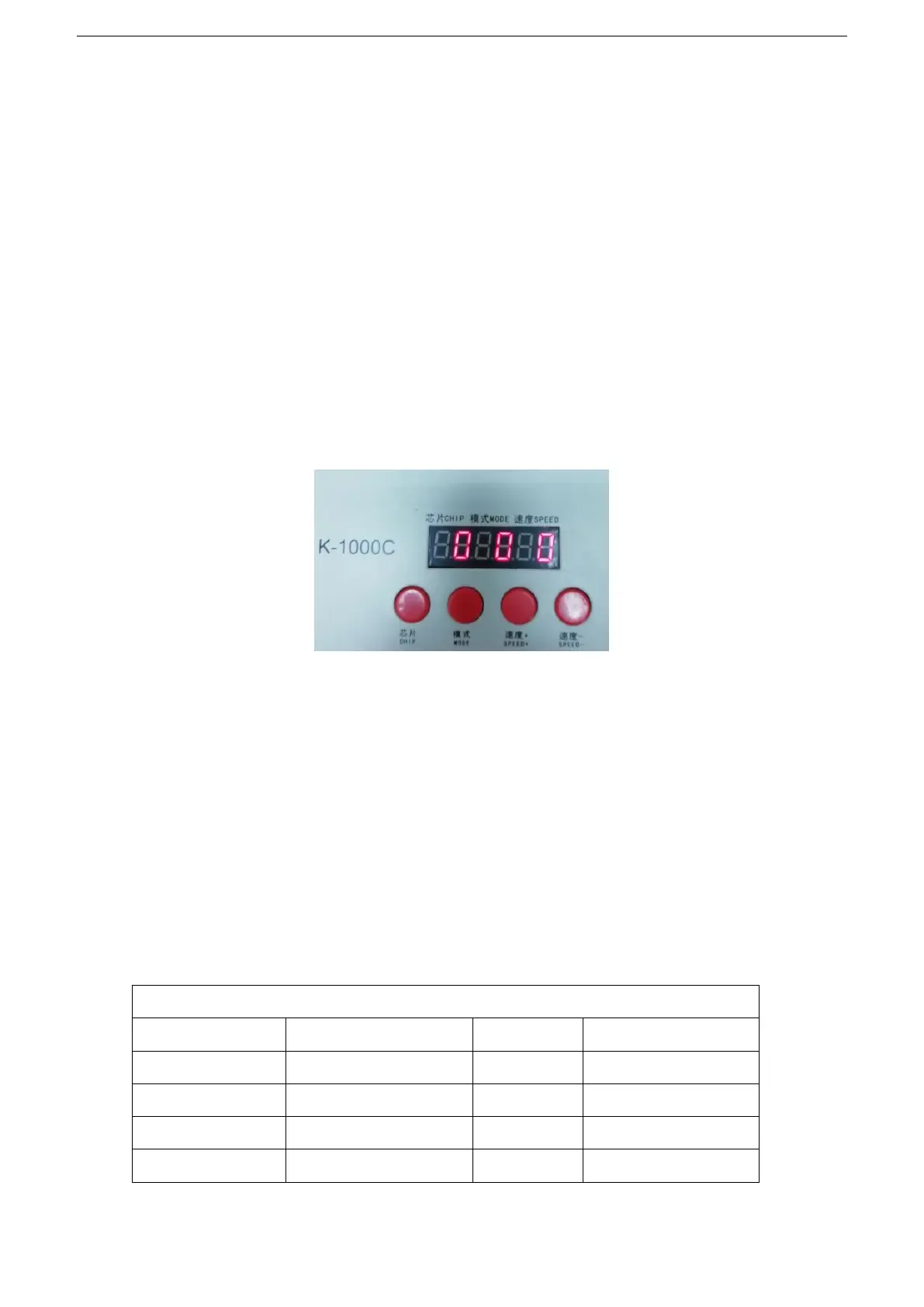
1. Press the "Speed -" button to power on, enter the lighting test interface, display 0 0 0
2. It takes about 2 seconds to enter the test fixture address interface without any operation. The controller
displays A3 0000.
3. Press the “MODE” button to start the automatic test of the lamp address.
Appendix: Display vocabulary definition list
NOTE 1:The first digital tube indicates the automatic and manual test mode: A is the automatic test mode, C


 To Next Page
 Loading...