Version V1.3
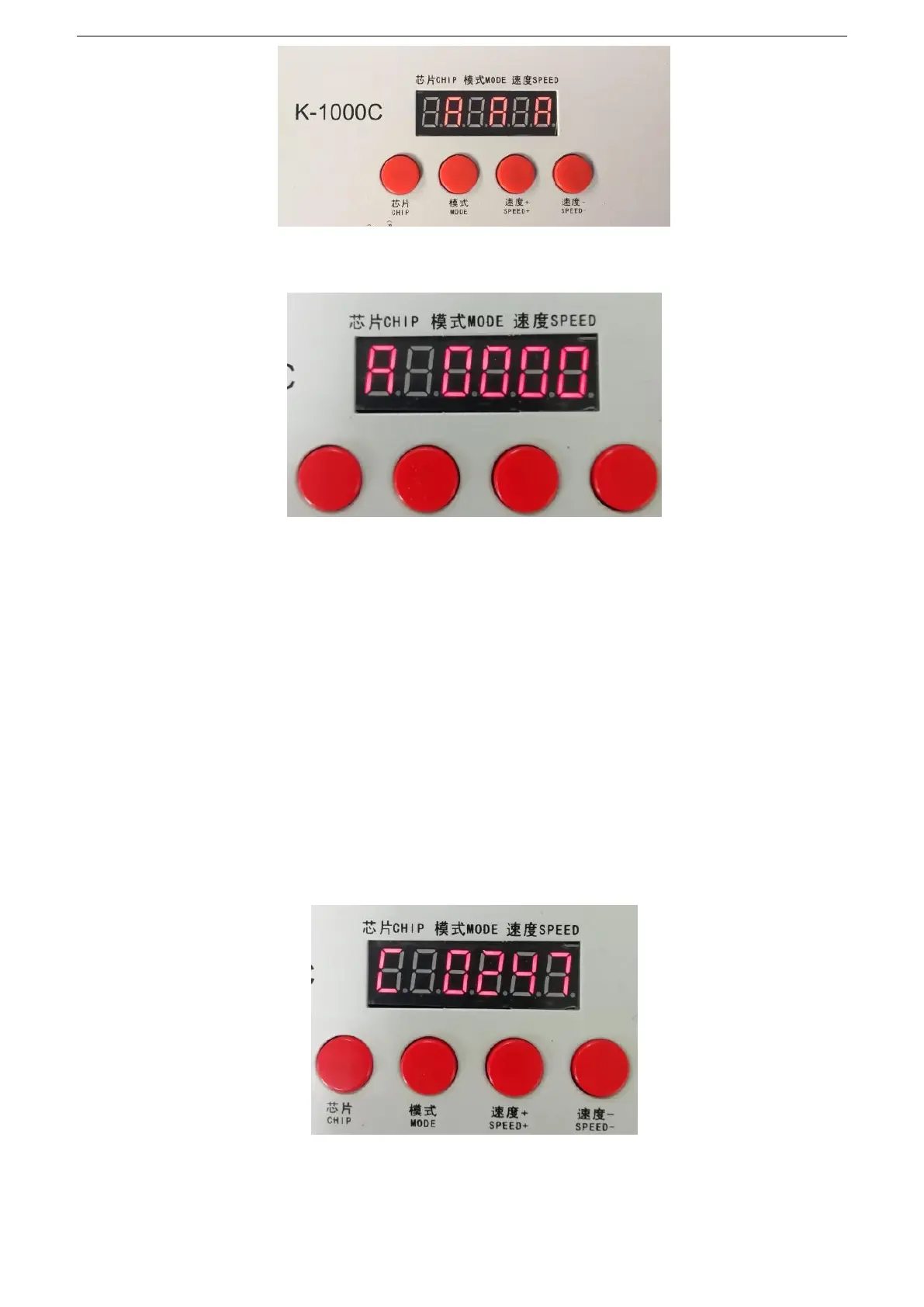
4. After writing the address code, the controller enters the DMX512 lamp channel test mode: the digital screen
displays A 0000;
5. Press the
“
MODE MODE
”
button to enter the automatic test mode, the display is
“
A ****
”
(* is the
number of channels), and the fixture will automatically start the white light from the first pixel.
6. Press the “MODE MODE” button again to enter the manual test mode, the display is “C ****” (* is the
number of channels), “Speed +” and “Speed -” can adjust the pixel points (long press “Speed +” or
“
Speed - "can be quickly incremented or decremented", the lighting pixels are lit one by one;
7.After the test is completed, press "CHIP" to exit the channel test and return to the write code interface;


 To Next Page
 Loading...