When close to the transmitter, the sensor signal appears green. When it
moves away from the transmitter range, the sensor signal is displayed in
yellow, then orange and finally red, meaning that the accuracy and quality
of the tracking are not guaranteed.
-
Try to keep the distance between the sensor and the transmitter as close
as possible to guarantee accurate results and ensure that the quality signal
is green.
The red TissueTuner marker appears when the TissueTuner currently
used is not the same as the one used during the factory calibration. Always
use the 1540 m/s TissueTuner value when in Fusion/Navigation.
#
This area allows you to visualize in real-time the various planes of the
2nd modality.
%#
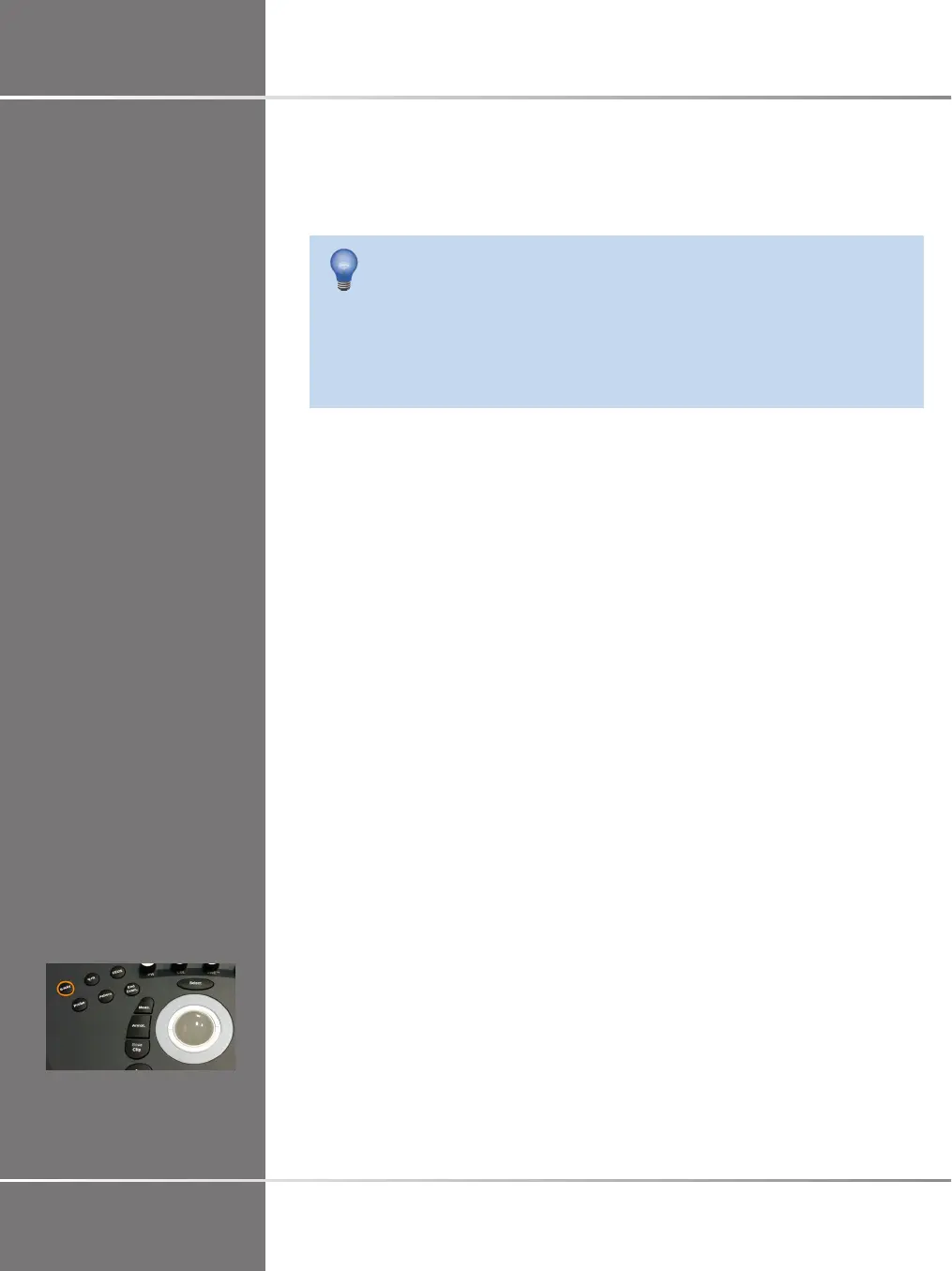
Press S-NAV on the control panel.
The system is in Virtual Mode.
@'-A 9


 To Next Page