- 31 -
4.1.3 SETTING MENU
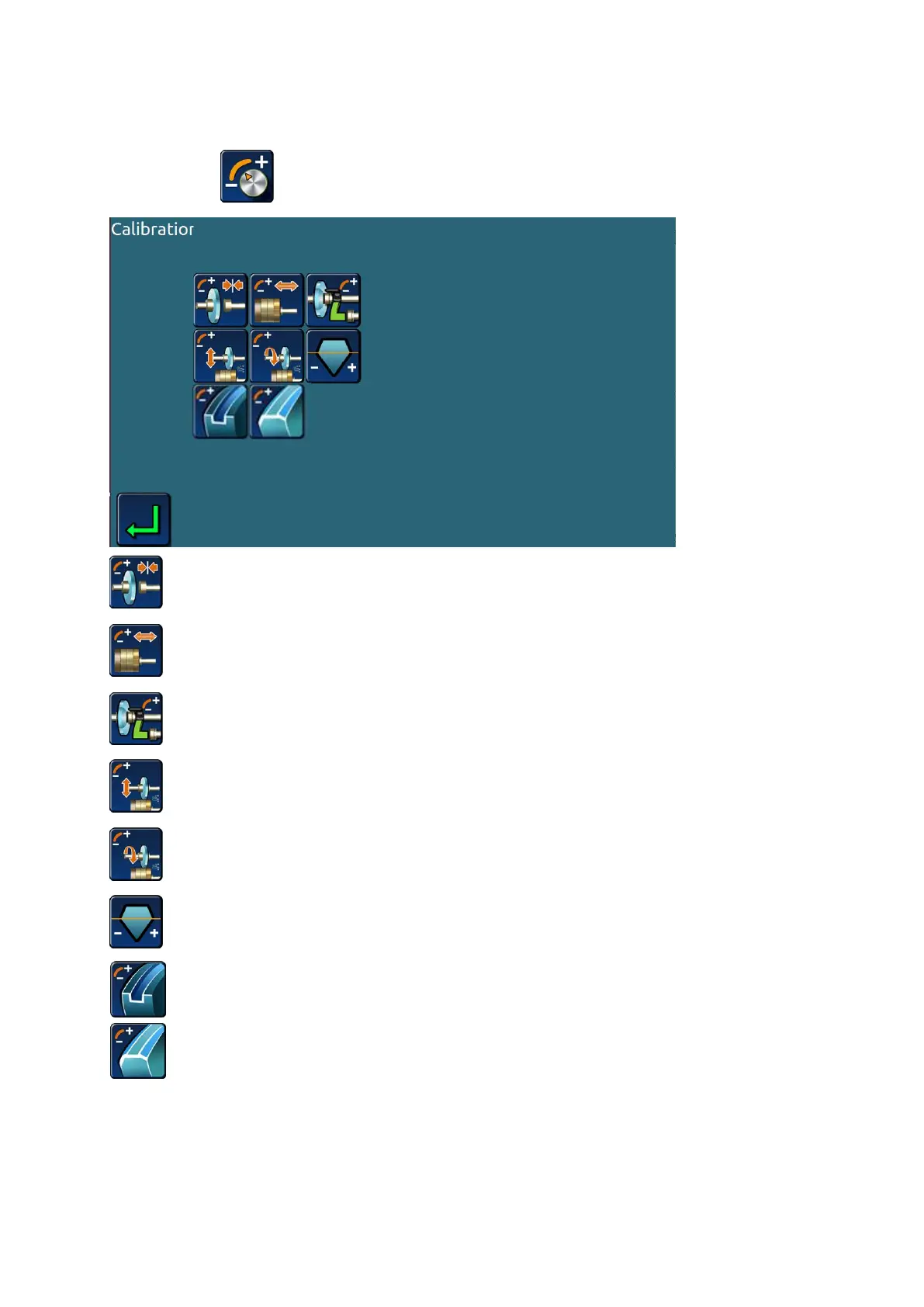
>Click the key on the main interface,Enter the machine setting menu。
>>Clamp pressure correction;
>>Grinding wheel position correction;
>>Scanning probe correction;
>>Processing size setting;
>>Processing winding number setting;
>>Base axis setting.
>> Grooving setting(only apply to edger with grooving and safe chamfering function);
>>Safe chamfering setting(only apply to edger with grooving and safe chamfering function).
Note:
The parameter setting needs to be completed under the guidance of the professional
after-sales service staff. Users should not enter the parameter setting menu by themselves.


 To Next Page