6. Test if main keys work good enough or not. If no key works (that
means you didn’t stop the search on time, you may press the or
keys manually to search back to find the code that you passed), or most
of keys work not good enough, please press the EXIT key to go on
the search. If main keys good enough, you can press OK to save the
code (the screen shows "save successful" for 2 seconds) and then
you can follow the instruction on the screen to quit the set up or go to
other settings.
If device response, press any key to stop the search, and test keys
If feel the code good, press OK to save it.
Remark:
1. The keys of OK, EXIT only are used to set up your new
remote control during set up, you can’t control your device at this
time.
2. If the device is locked, you must first unlock the device then set
up.
3. If you want to stop the Auto Search, you can press any key to stop
the search, then press the any device key, then follow the screen
information to stop the search.
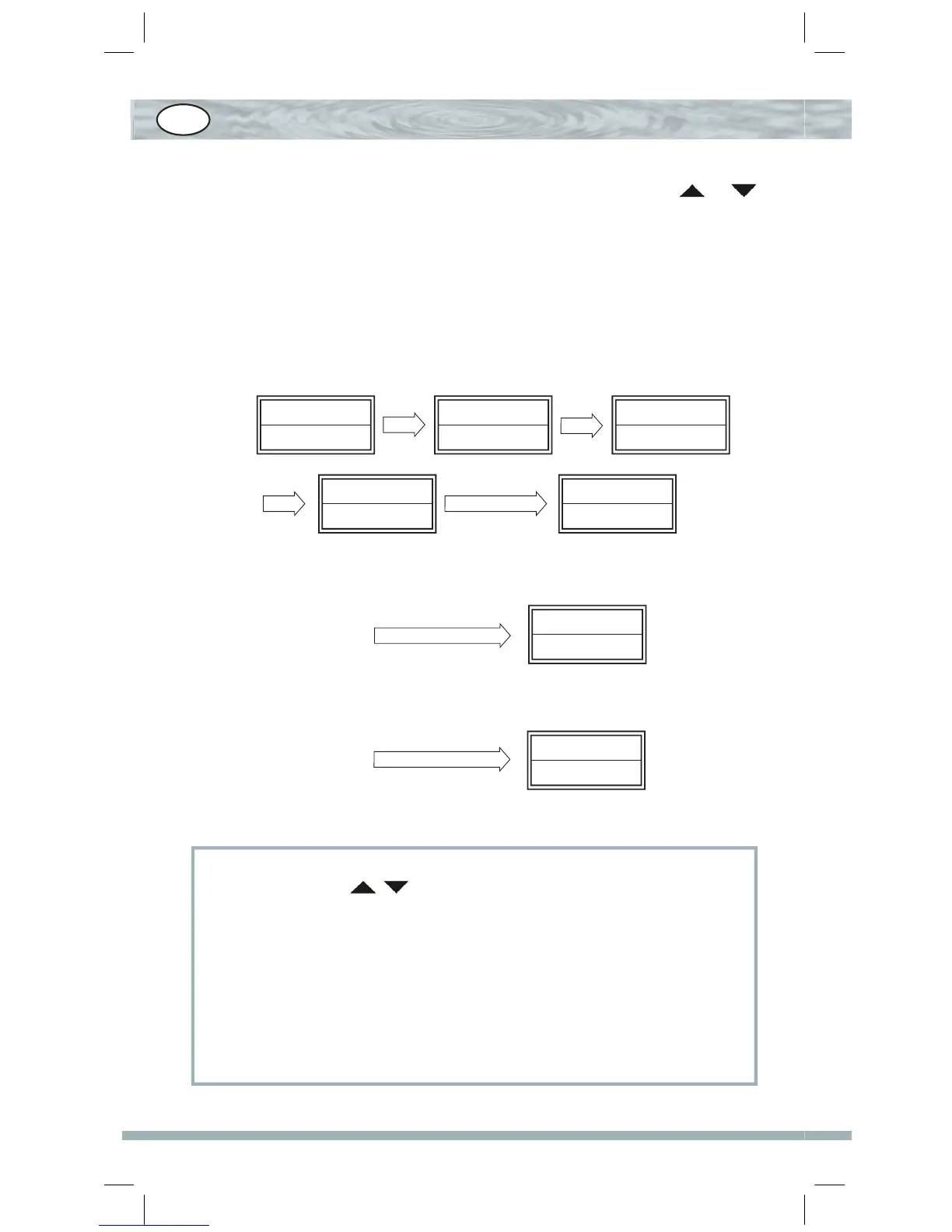
Searching?
010/011
Searching?
021/022
OK
TV 010
SUN 11:45
Code Setup? TV Auto
Search?
SET 3S
OK
Code scan
Manu Search?
021/022
Save
Successful
GB


 To Next Page
 Loading...