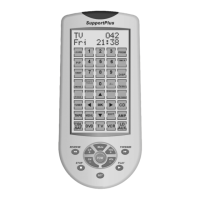
5. Press device key to select the device that you want to fix (e.g. TV).
6. Press the OK key to save setting and LCD display S u c c e s s f u l
for 2 seconds and exit to current set up state. You can follow the in-
struction on the screen to exit from set up or go to other settings.
Remark:
You can fix all current device codes.
C. Backlight
If you set "Light ON/OFF" to "OFF", the backlight will never be on. When
you set "Light ON/OFF" to "ON", the backlight will be lighted up when you
press any key and it will light up for a while even after you finish the operation.
You can adjust the on-time length of the backlight by following steps.
1. Press and hold the "SET" key for more than 3 seconds, then release
the pressed key.
2. Press the or key to select the "Configure", and then press
the OK key.
3. Press the or key to select the "Light ON /OFF? ", then press the
OK key.
4. If the screen shows "Light On" (or you press the or to choose ON),
and prees OK.
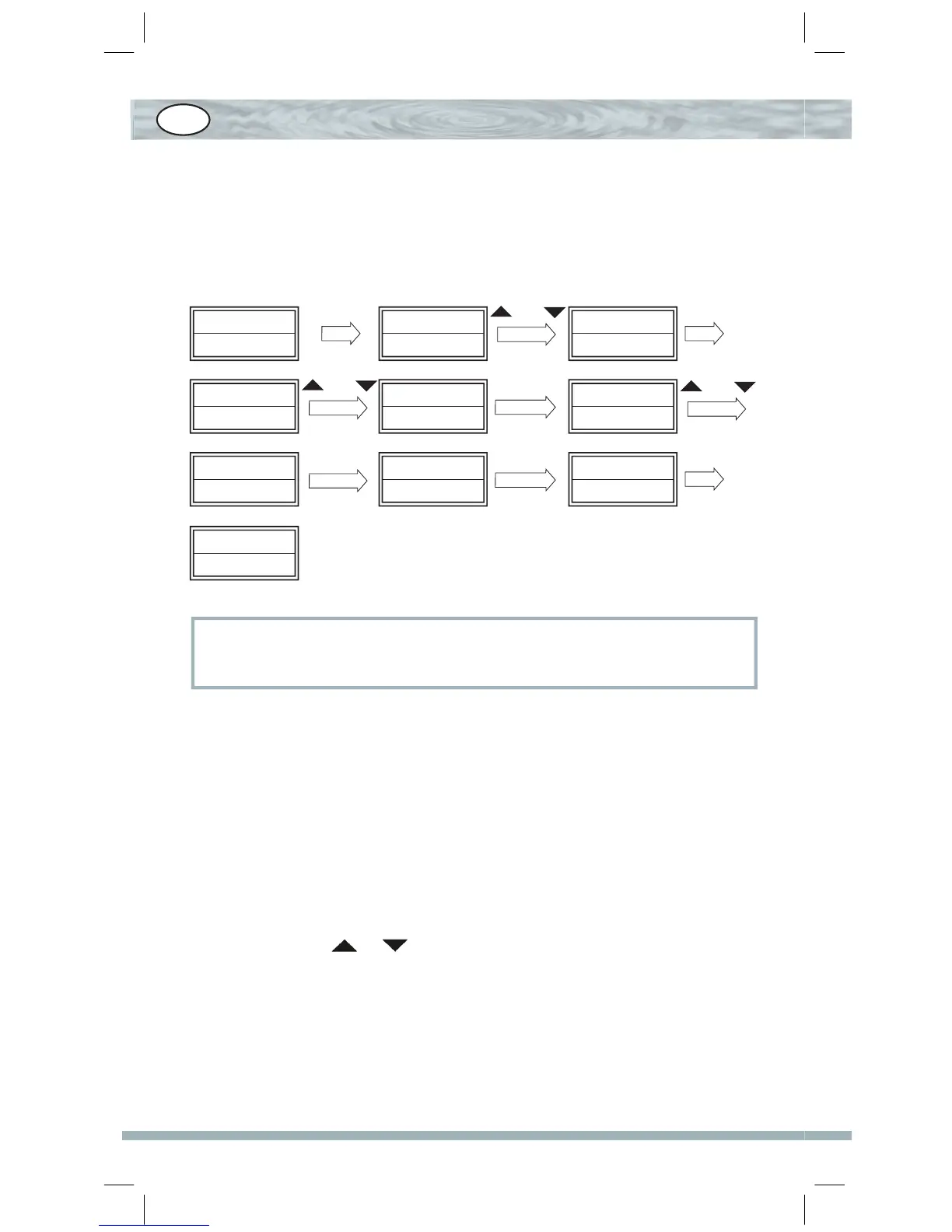
TV 010
SUN 11:45
Code Setup? Configure
Time Setup? Device Lock? Unlock?
Seccessful
SET 3S
or
OK
or
OK
Lock? Lock?
TV
Lock?
DVD
OK
DVD
OK
or
GB


 To Next Page
 Loading...