2016-07-26 1611937
-23-
Touch the – and + keys to adjust the settings, and touch Done to save. Touch the OFF button
to turn that audio profile ON.
Auxiliary
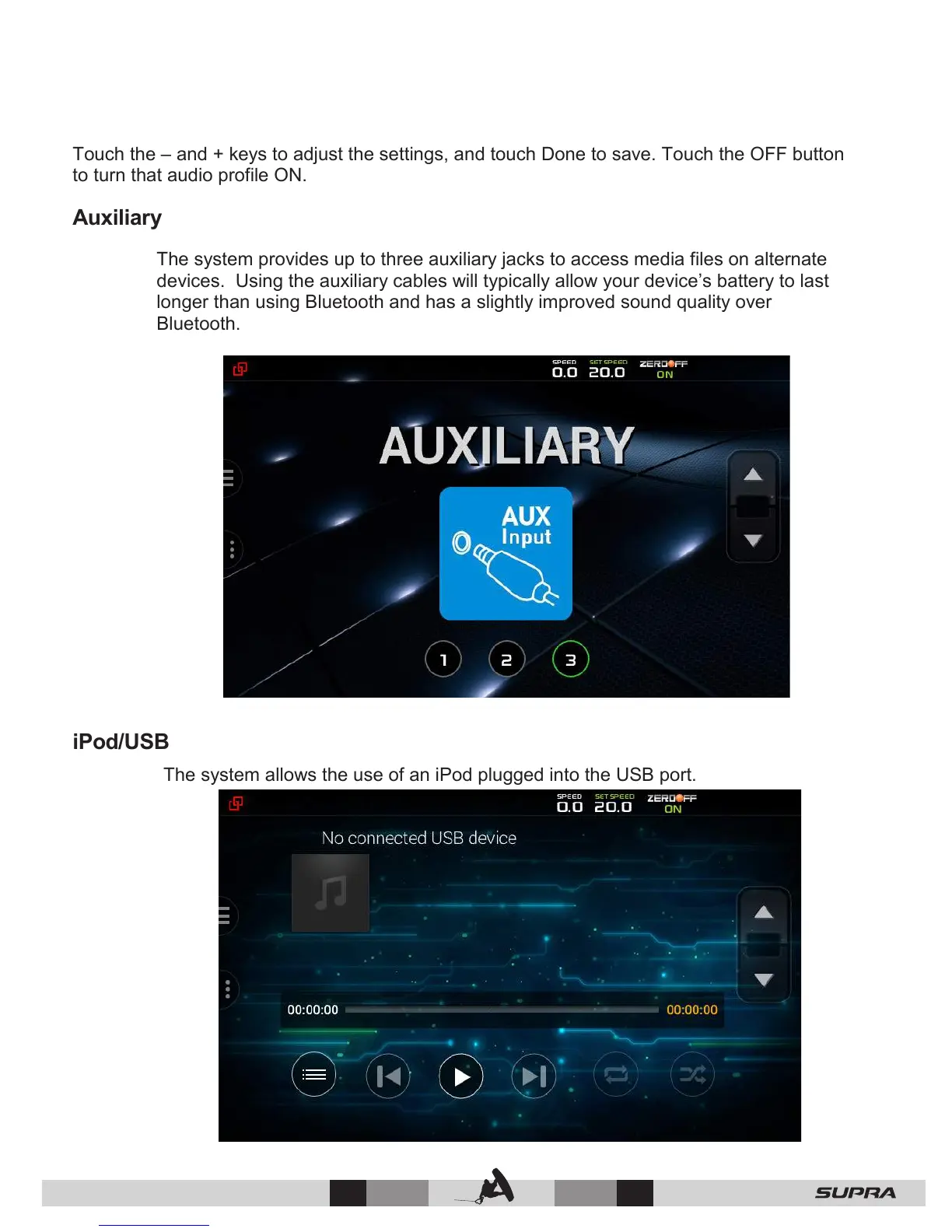
The system provides up to three auxiliary jacks to access media files on alternate
devices. Using the auxiliary cables will typically allow your device’s battery to last
longer than using Bluetooth and has a slightly improved sound quality over
Bluetooth.
iPod/USB
The system allows the use of an iPod plugged into the USB port.



 To Next Page