55 —
© 2016 Skier’s Choice, Inc.
Engine Diagnostics
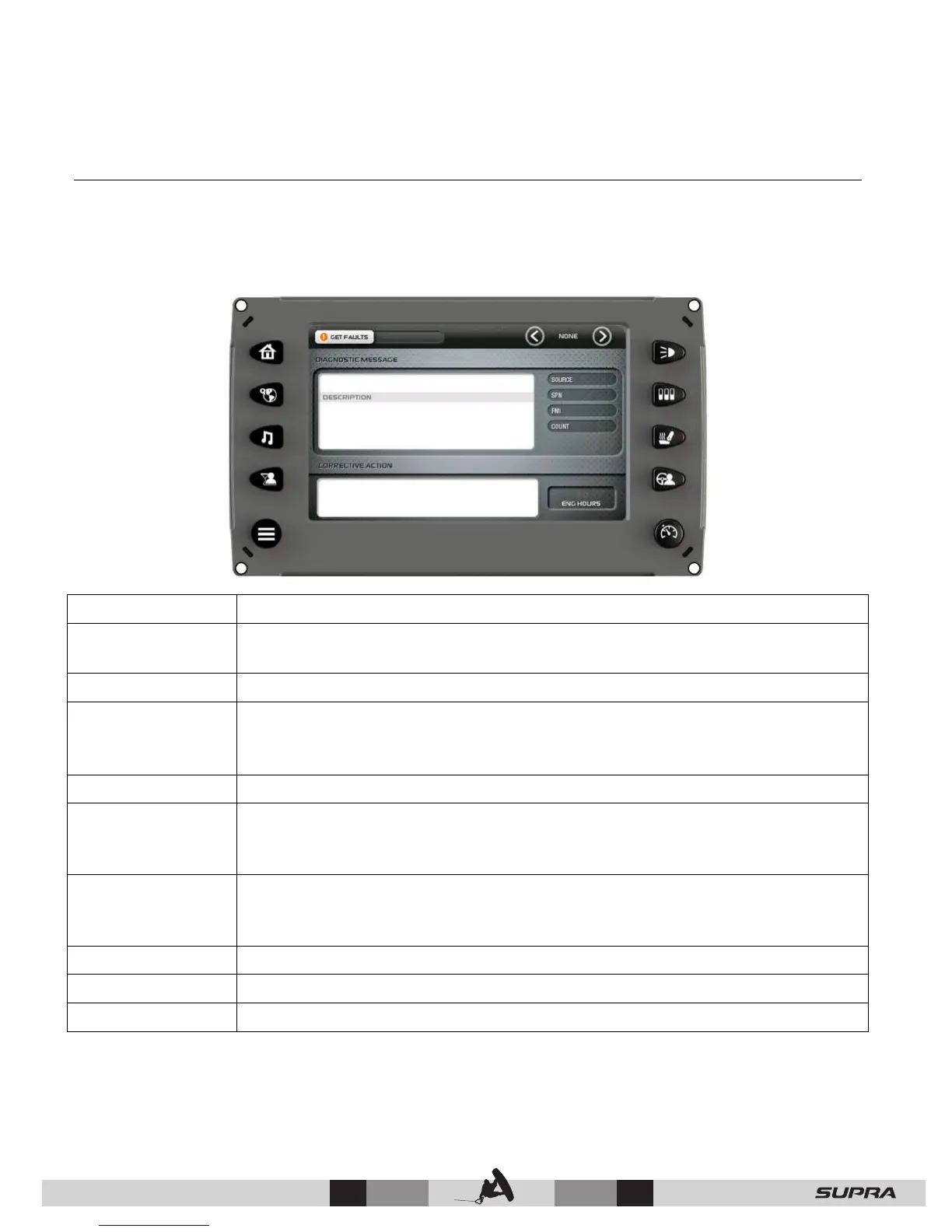
On the Main Menu screen, touch [Engine Diagnostics] to access the Engine Diagnostics
screen. When choosing this selection, the display queries the engine’s ECU and displays
feedback on any diagnostic codes that have been activated and stored in the ECU for service
needs.
Function Description/Action
Get Faults
Touch [GET FAULTS] to show the number of active faults and the fault
number currently being displayed.
Arrows The Left and Right arrows at the top of the page scroll through messages.
Diagnostic
Message and
Description Field
Most common SPNs and FMIs have text for the description stored in the
display. If there is no text, then this SPN and FMI must be defined by
referring to the engine manufacturer or the SAE J1939 standard.
Source Indicates the source of the message.
SPN
Suspect Parameter Number - fault code
If not translated into text by the display, see the engine manufacturer's
literature for the definition of the SPN number.
FMI
Failure Mode Indicator - fault code
The FMI is defined by SAE J1939. If not translated into text, see the SAE
standard or the engine manufacturer's literature.
Count Number of messages.
ENG Hours Number of in-use engine hours.
Corrective Action Suggested action for correction.



 To Next Page