5.Port Configuration
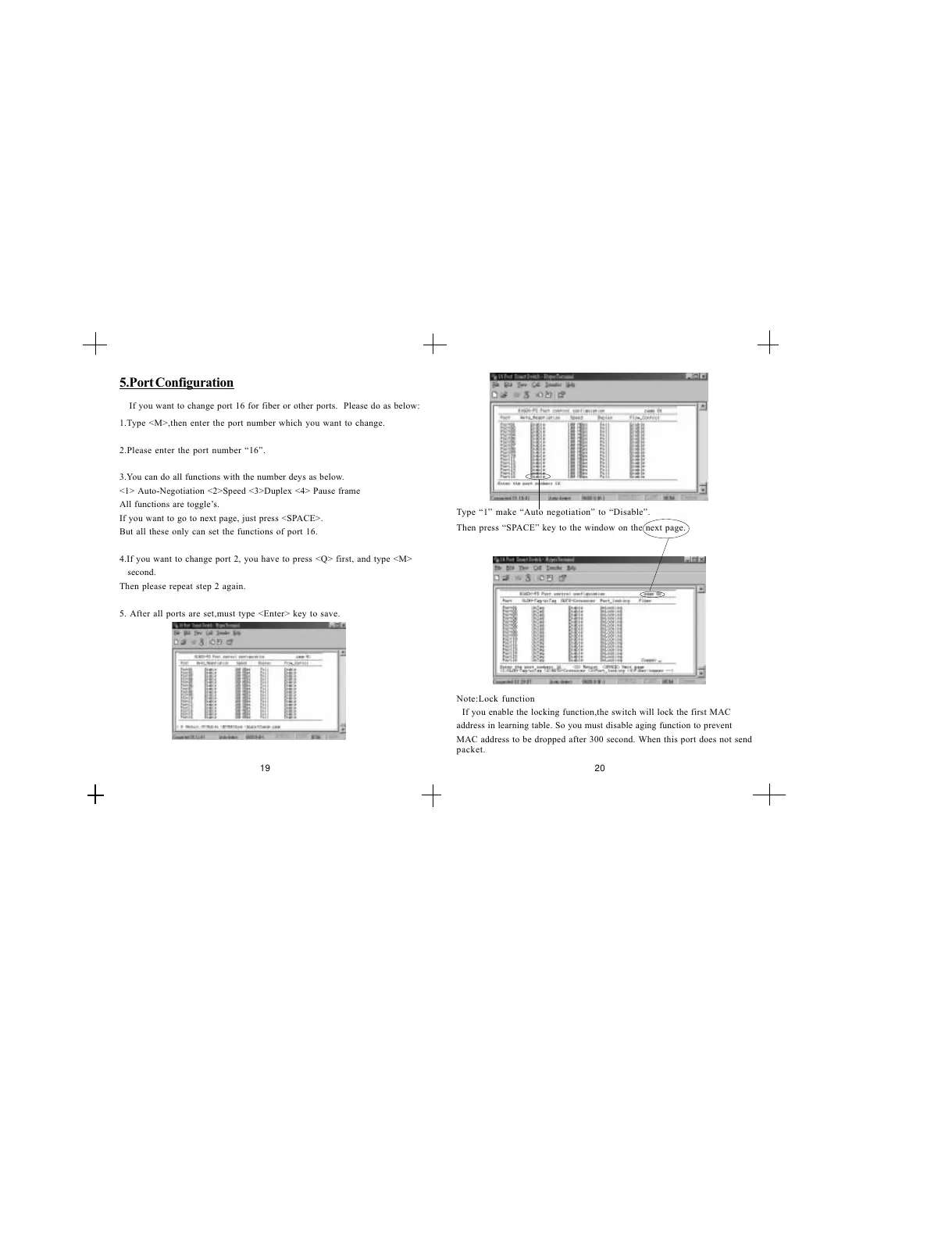
If you want to change port 16 for fiber or other ports. Please do as below:
1.Type <M>,then enter the port number which you want to change.
2.Please enter the port number 16.
3.You can do all functions with the number deys as below.
<1> Auto-Negotiation <2>Speed <3>Duplex <4> Pause frame
All functions are toggles.
If you want to go to next page, just press <SPACE>.
But all these only can set the functions of port 16.
4.If you want to change port 2, you have to press <Q> first, and type <M>
second.
Then please repeat step 2 again.
5. After all ports are set,must type <Enter> key to save.
Then press SPACE key to the window on the next page.
Type 1 make Auto negotiation to Disable.
19 20
If you enable the locking function,the switch will lock the first MAC
address in learning table. So you must disable aging function to prevent
MAC address to be dropped after 300 second. When this port does not send
packet.
Note:Lock function


 To Next Page