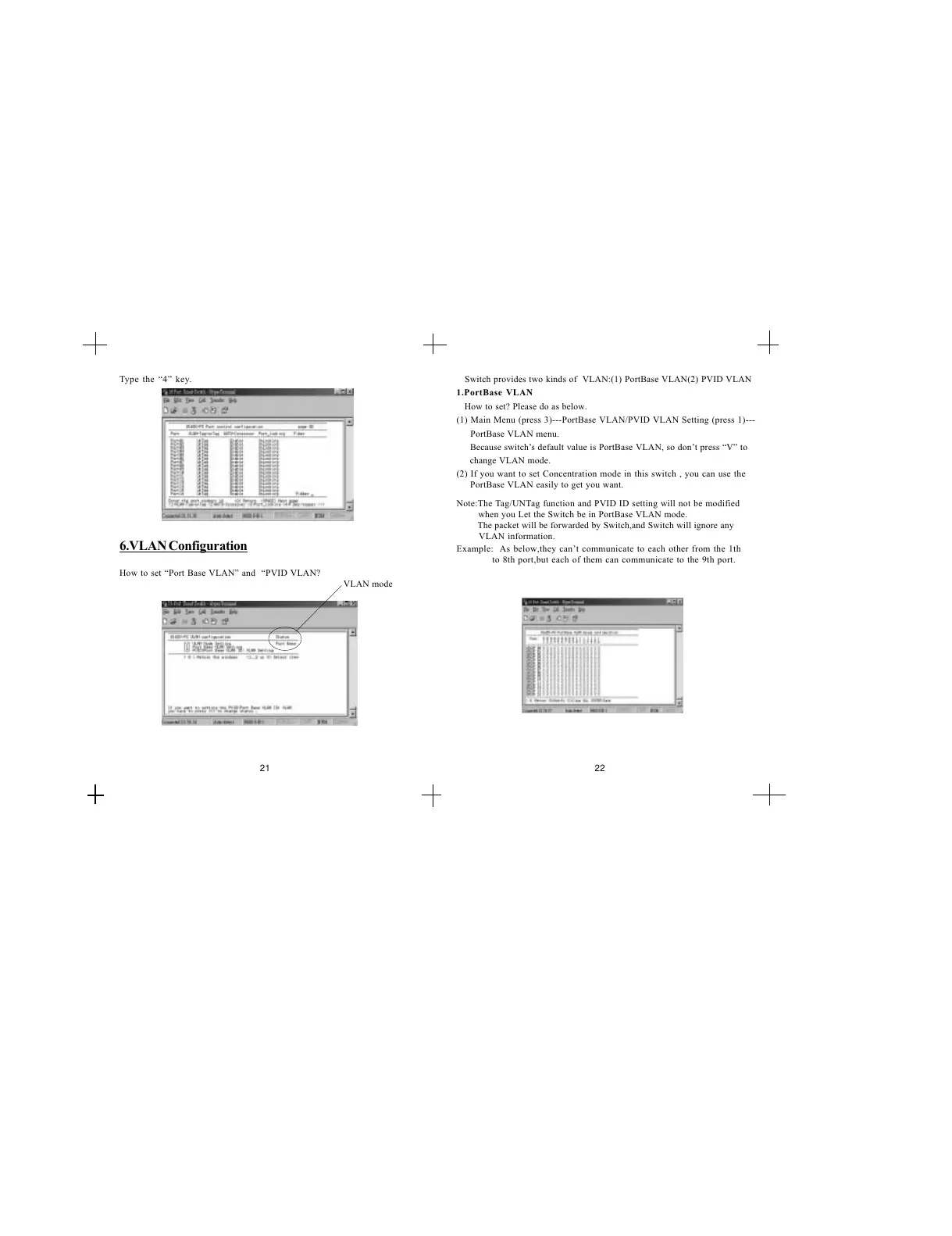
Type the 4 key.
6.VLAN Configuration
How to set Port Base VLAN and PVID VLAN?
Switch provides two kinds of VLAN:(1) PortBase VLAN(2) PVID VLAN
1.PortBase VLAN
How to set? Please do as below.
(1) Main Menu (press 3)---PortBase VLAN/PVID VLAN Setting (press 1)---
PortBase VLAN menu.
Because switchs default value is PortBase VLAN, so dont press V to
change VLAN mode.
(2) If you want to set Concentration mode in this switch , you can use the
PortBase VLAN easily to get you want.
Note:The Tag/UNTag function and PVID ID setting will not be modified
when you Let the Switch be in PortBase VLAN mode.
The packet will be forwarded by Switch,and Switch will ignore any
VLAN information.
Example: As below,they cant communicate to each other from the 1th
to 8th port,but each of them can communicate to the 9th port.
VLAN mode
21 22


 To Next Page