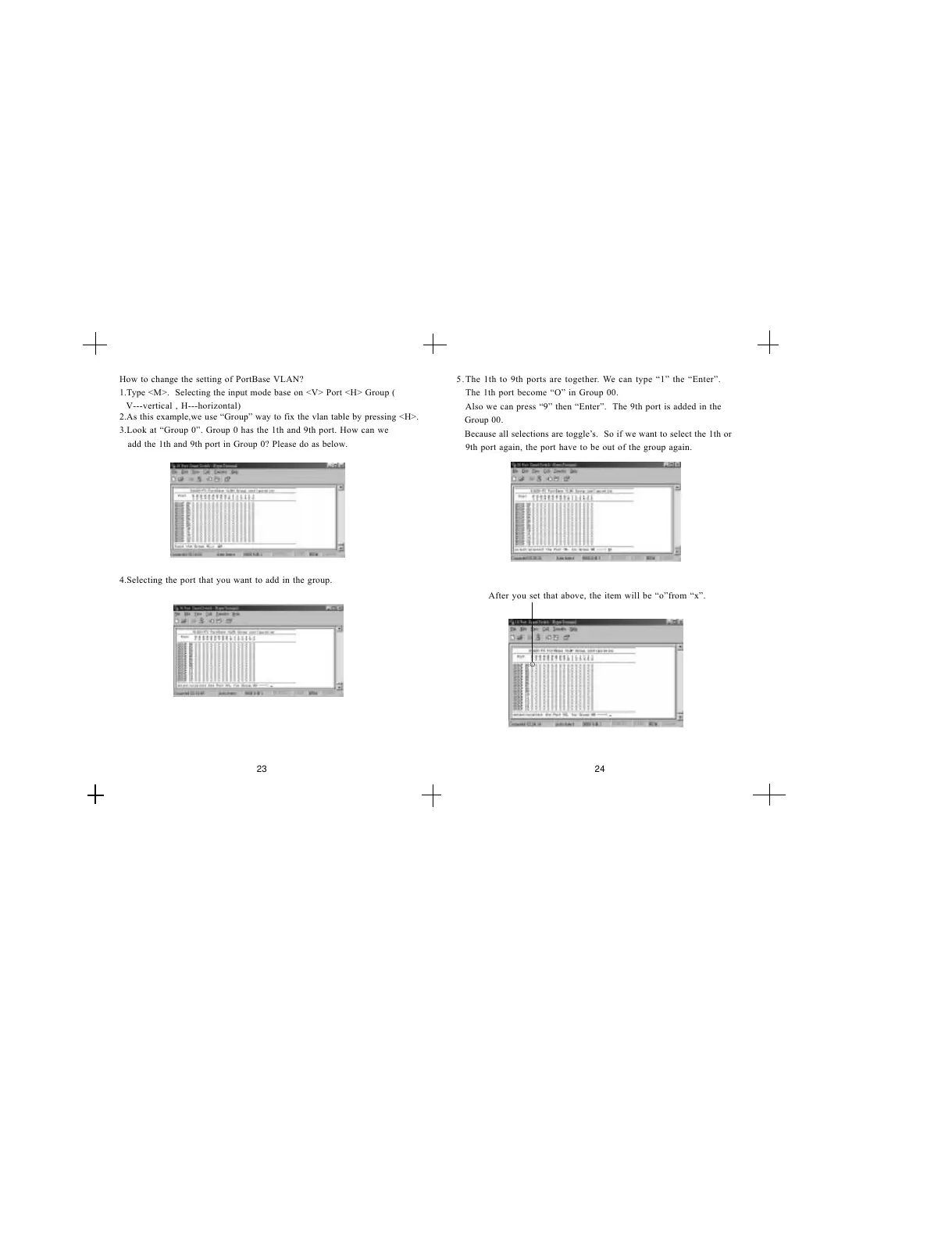
2.As this example,we use Group way to fix the vlan table by pressing <H>.
3.Look at Group 0. Group 0 has the 1th and 9th port. How can we
add the 1th and 9th port in Group 0? Please do as below.
4.Selecting the port that you want to add in the group.
How to change the setting of PortBase VLAN?
1.Type <M>. Selecting the input mode base on <V> Port <H> Group (
V---vertical , H---horizontal)
23 24
5.
The 1th port become O in Group 00.
Also we can press 9 then Enter. The 9th port is added in the
Group 00.
Because all selections are toggles. So if we want to select the 1th or
9th port again, the port have to be out of the group again.
The 1th to 9th ports are together. We can type 1 the Enter.
After you set that above, the item will be ofrom x.


 To Next Page