7. How to setting priority
The Switch not only handle with data packets but also provide service of
multimedia data. Switch provides four priority queues on each port at fixed
8:4:2:1 rate.
By port base:
Set specific port at specific queue.Switch only check the port pri-
ority and not check VLAN and TOS.
By VLAN first:
Switch check VLAN three priority bit first then TOS priority.If
you want to set VLAN priority. Please do not enable PortBase and
TOS priority. It is a default setting.
By IP TOS first
Switch check IP TOS three bit first then VLAN three bits.
Note:
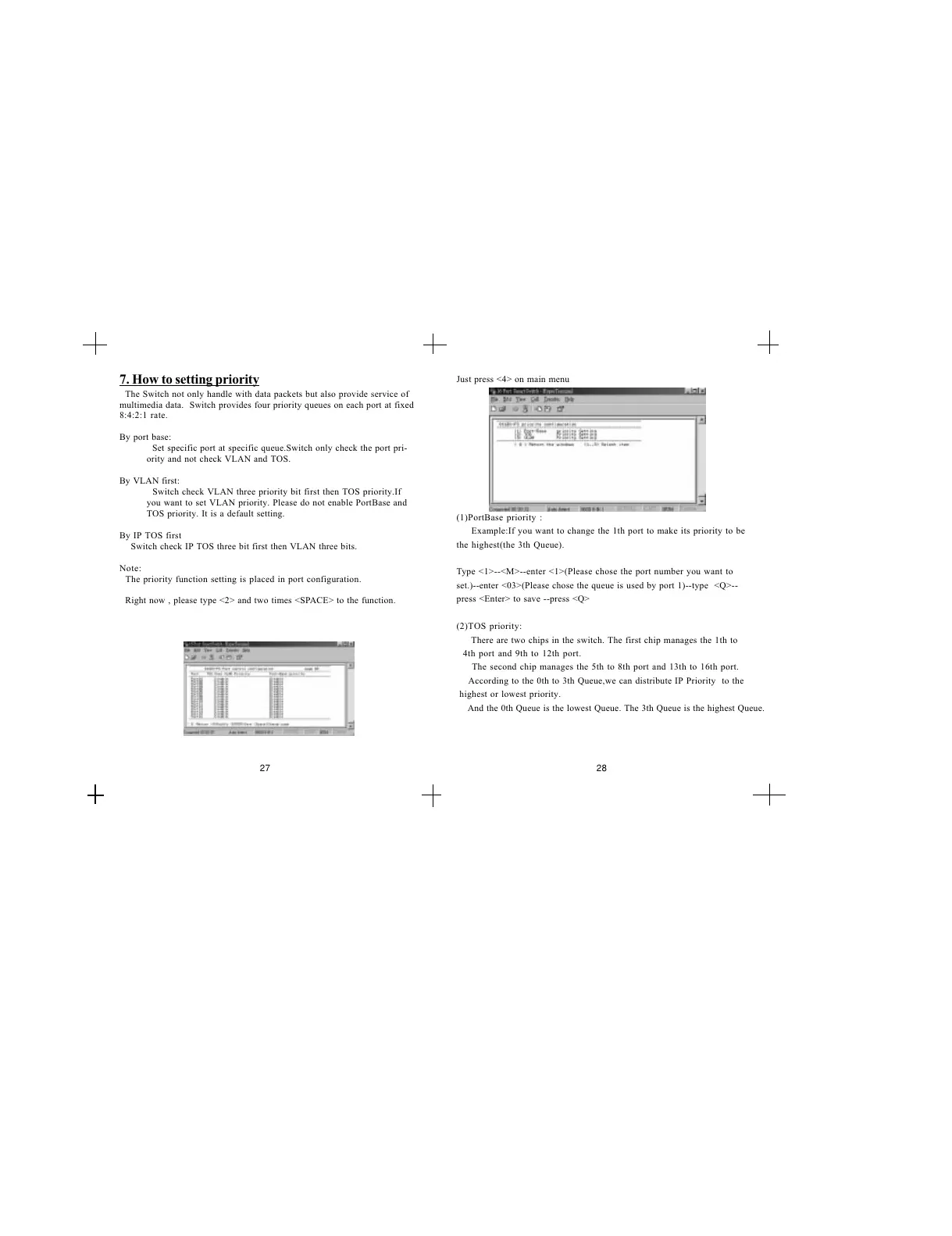
The priority function setting is placed in port configuration.
Right now , please type <2> and two times <SPACE> to the function.
Just press <4> on main menu
(1)PortBase priority :
Example:If you want to change the 1th port to make its priority to be
the highest(the 3th Queue).
Type <1>--<M>--enter <1>(Please chose the port number you want to
set.)--enter <03>(Please chose the queue is used by port 1)--type <Q>--
press <Enter> to save --press <Q>
(2)TOS priority:
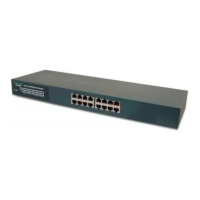
There are two chips in the switch. The first chip manages the 1th to
4th port and 9th to 12th port.
The second chip manages the 5th to 8th port and 13th to 16th port.
According to the 0th to 3th Queue,we can distribute IP Priority to the
highest or lowest priority.
And the 0th Queue is the lowest Queue. The 3th Queue is the highest Queue.
27 28


 To Next Page