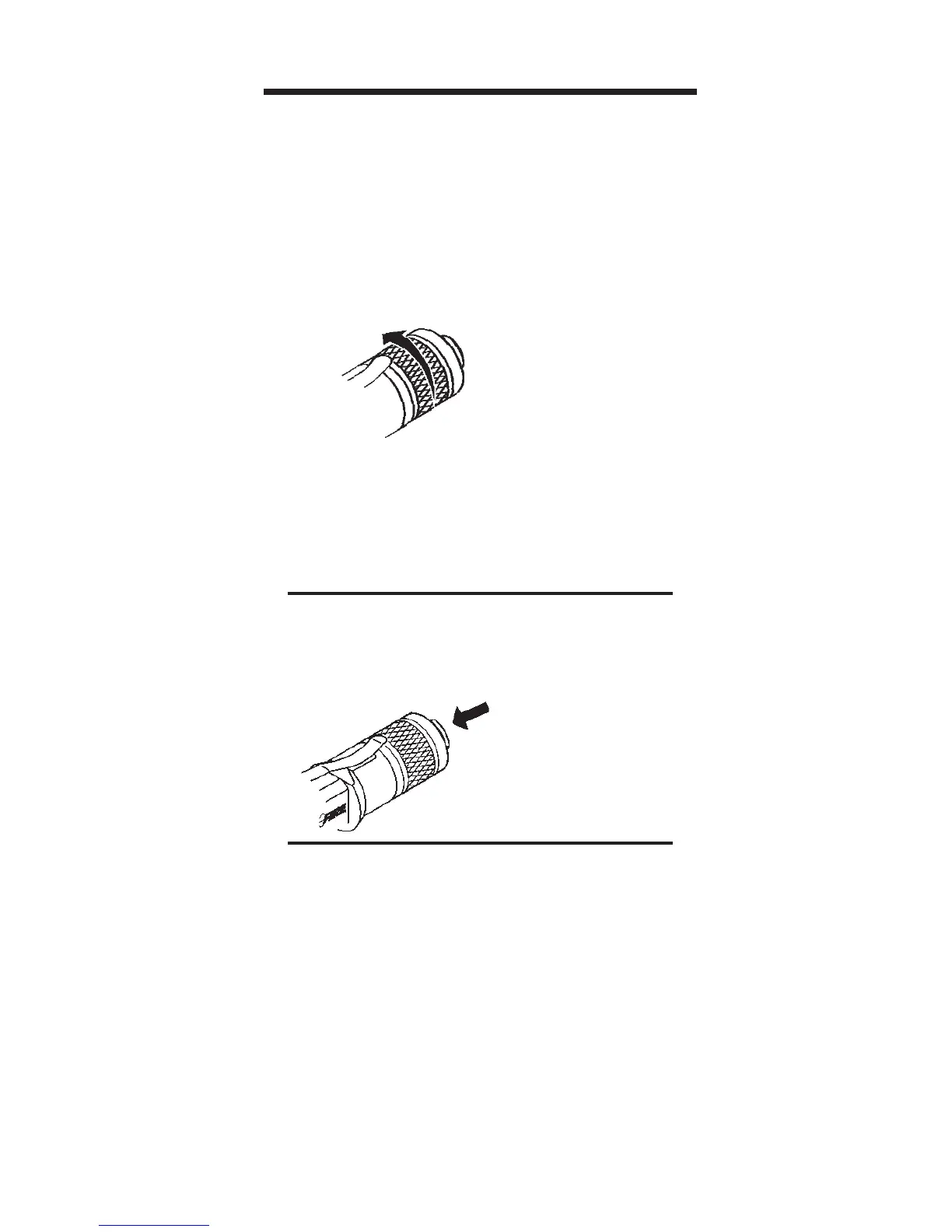
Turn
Tail Cap
for
“ON”
For Constant Light
ON - Turn Tail Cap clockwise
(viewed from the tail)
OFF - Turn Tail Cap counterclockwise
For Momentary Light
ON - Press Push Button
OFF - Release Push Button
Push
For
“ON”
To Turn flashlight “ON”
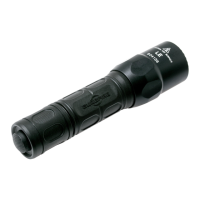
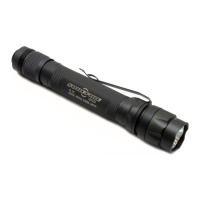
M2 CENTURION
There are two ways to activate the light from
the M2. The Tail Cap switch of the Flashlight
can be activated by rotating the Tail Cap in a
clockwise direction for a constant “ON”
setting or by pressing on the Push Button for
temporary light.
Switch Lockout Procedure
1. From the constant “ON” position, back
the M2 Tail Cap “OFF” until the light goes
out and turn the Tail Cap one full turn
counterclockwise from this position.
2. Push Button switch is now locked out.
3. To restore Push Button function, rotate
the Tail Cap one full turn clockwise.



 To Next Page