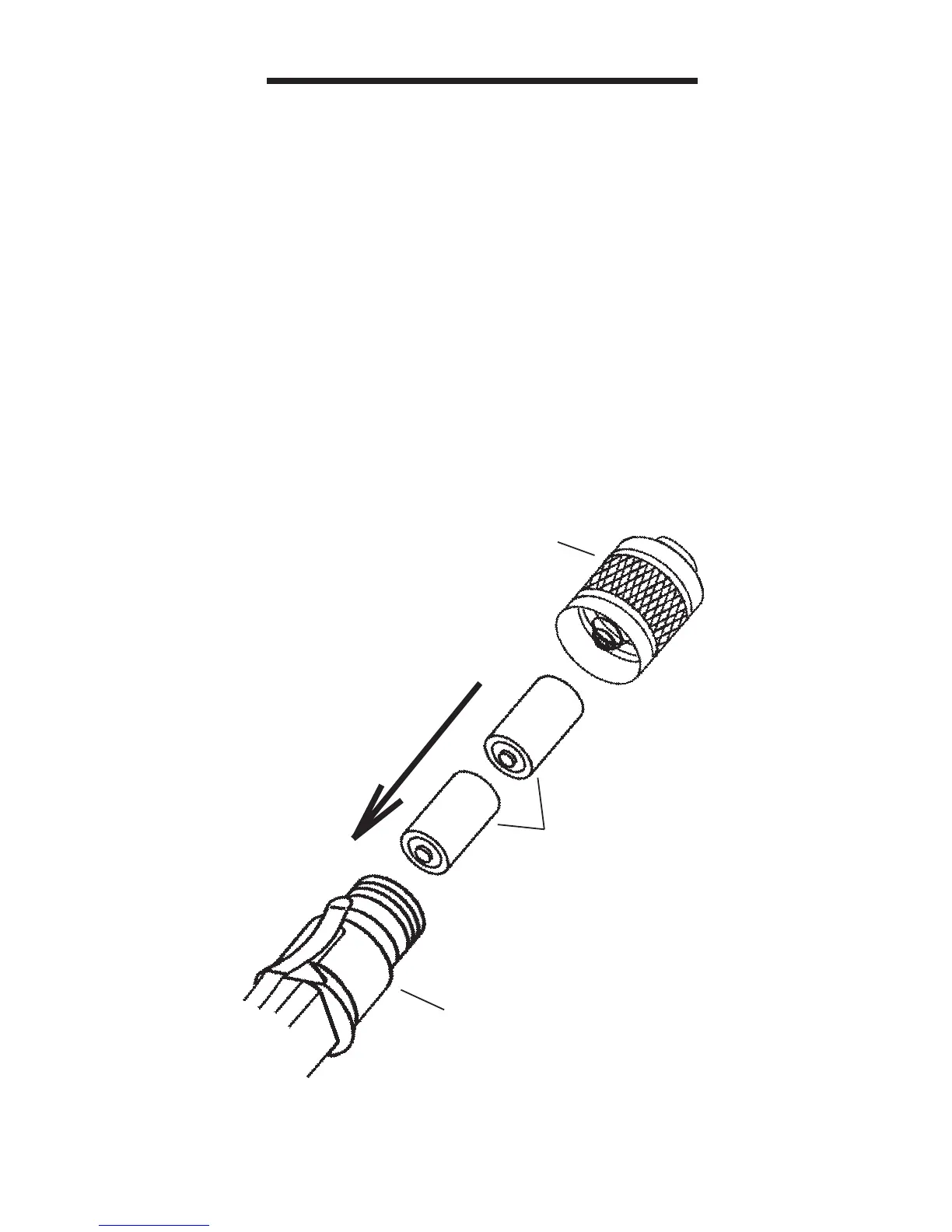
INSTALLING THE BATTERY
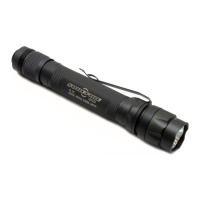
1. Remove the Flashlight Tail Cap by un-
screwing it until it is free of the Flashlight
Body.
2. Insert the SF123A Lithium Batteries into
the Flashlight Body, observing proper polar-
ity.
3. Install the Flashlight Tail Cap back on to
the Flashlight Body by turning it until the light
comes on. Then back off 1/2 to 1 turn until
the light turns off.
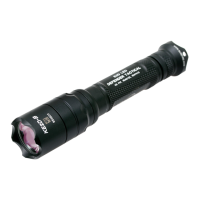
4. The M2 Centurion Flashlight is now ready
for use.
TAIL CAP
BATTERIES
BODY
+
+



 To Next Page