7
5
6
7
5
All Hearing Aids
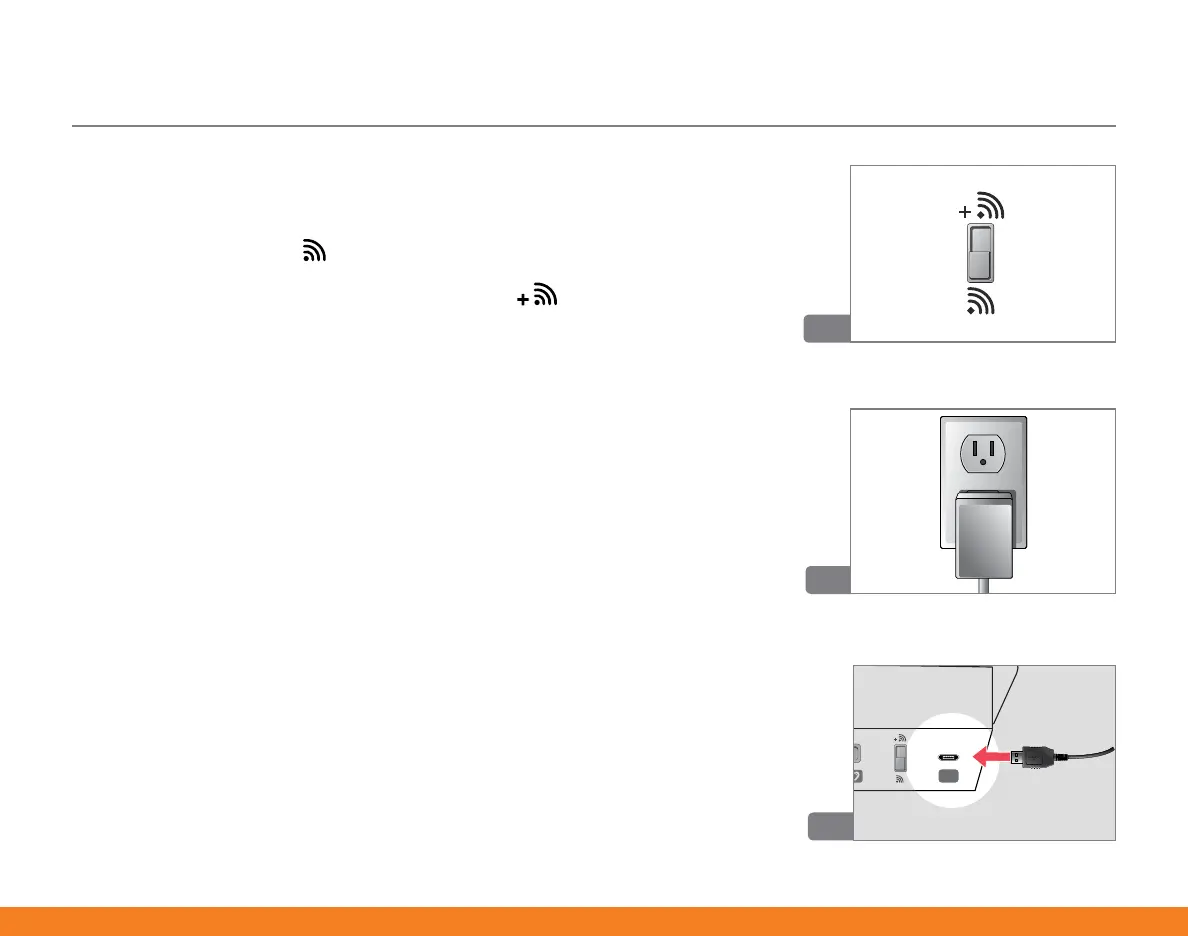
5� Choose appropriate settings for Audio Fidelity switch:
• All wireless hearing aids can stream audio from bottom
switch position ( )�
• Only wireless hearing aids marked with ( ) can stream
audio from top switch position� If unsure, contact your hearing
professional�
6� Plug the power adaptor into the wall socket�
7� Insert the power adaptor microUSB connector into the rear
of SurfLink Media 2 (jack #5)�
Selected Hearing Aids


 To Next Page