45
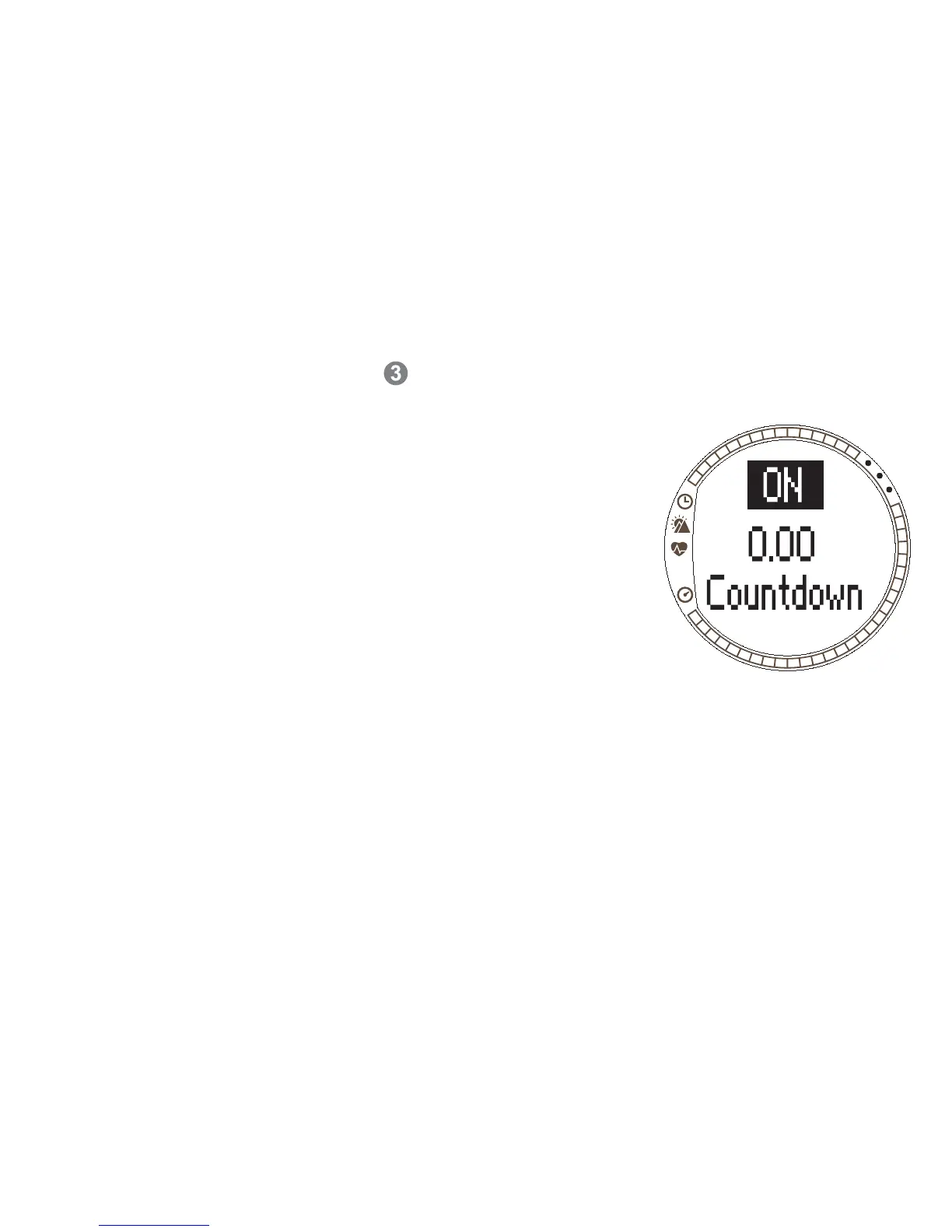
Countdown
The Countdown functions as a start timer. It measures remaining time and upon
reaching zero, it alerts you at the start and automatically starts the timer/log. If
Countdown is active, number is displayed on the right hand side of the Training
mode display.
To set the countdown timer:
1. In the Training menu, scroll to Timers and press
ENTER.
2. Scroll to Countd with UP/DOWN and press ENTER.
3. Press UP/DOWN to select On and press ENTER.
4. Set the minutes with UP/DOWN and press ENTER.
5. Set the seconds with UP/DOWN and press ENTER.
NOTE: The countdown timer can be set to alert in a
range between 0.00 and 59.59.


 To Next Page