Need help?
Do you have a question about the Suunto M3 and is the answer not in the manual?
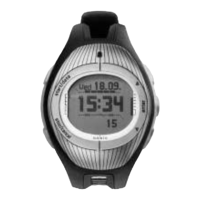
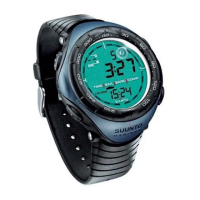
Learn about the Suunto M3's main displays: Time and Timer, and button assignments.
Set the current date and time for your Suunto M3 for initial use.
Synchronize the timer to official countdowns even after it has started for accurate race timing.
Store split times during a race to be viewed later with the Logbook feature.
Activate button lock to prevent accidental synchronization of the race timer.
Utilize the Suunto M3 as a stopwatch for timing events during races or practice.
Configure up to three alarms to remind you of important events or timings.
Adjust general settings like tones, backlight, units, and display contrast for a personalized experience.
Modify timer settings such as repeat function, tone sequences, and synchronization behavior.
Understand the Suunto M3's water resistance rating and limitations, including not for diving.
Learn the correct procedure for replacing the CR2032 battery to maintain water resistance.
Register your Suunto device online for quicker and easier service and support.


 To Next Page
 General