3
1. GETTING STARTED WITH SUUNTO M3
This instruction manual guides you to use all the features of the Suunto M3, a wristop
computer designed for competetive boat racing.
1.1. GETTING FAMILIAR WITH SUUNTO M3
The Suunto M3 has two main displays: the Time and Timer displays. You can switch
between the displays by long pressing (more than 1 seconds) the MODE button. The
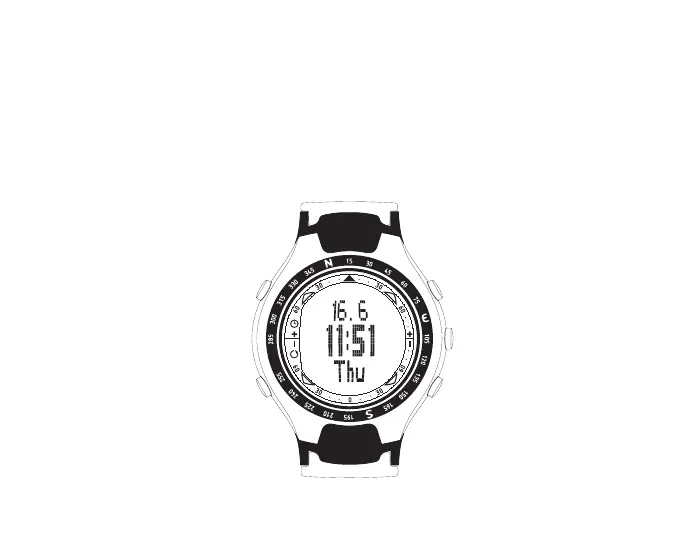
picture below shows the Suunto M3 button assignments:
CHRONO
MODE
ENTER
UP (START/STOP)
DOWN (SYNC)



 To Next Page