9
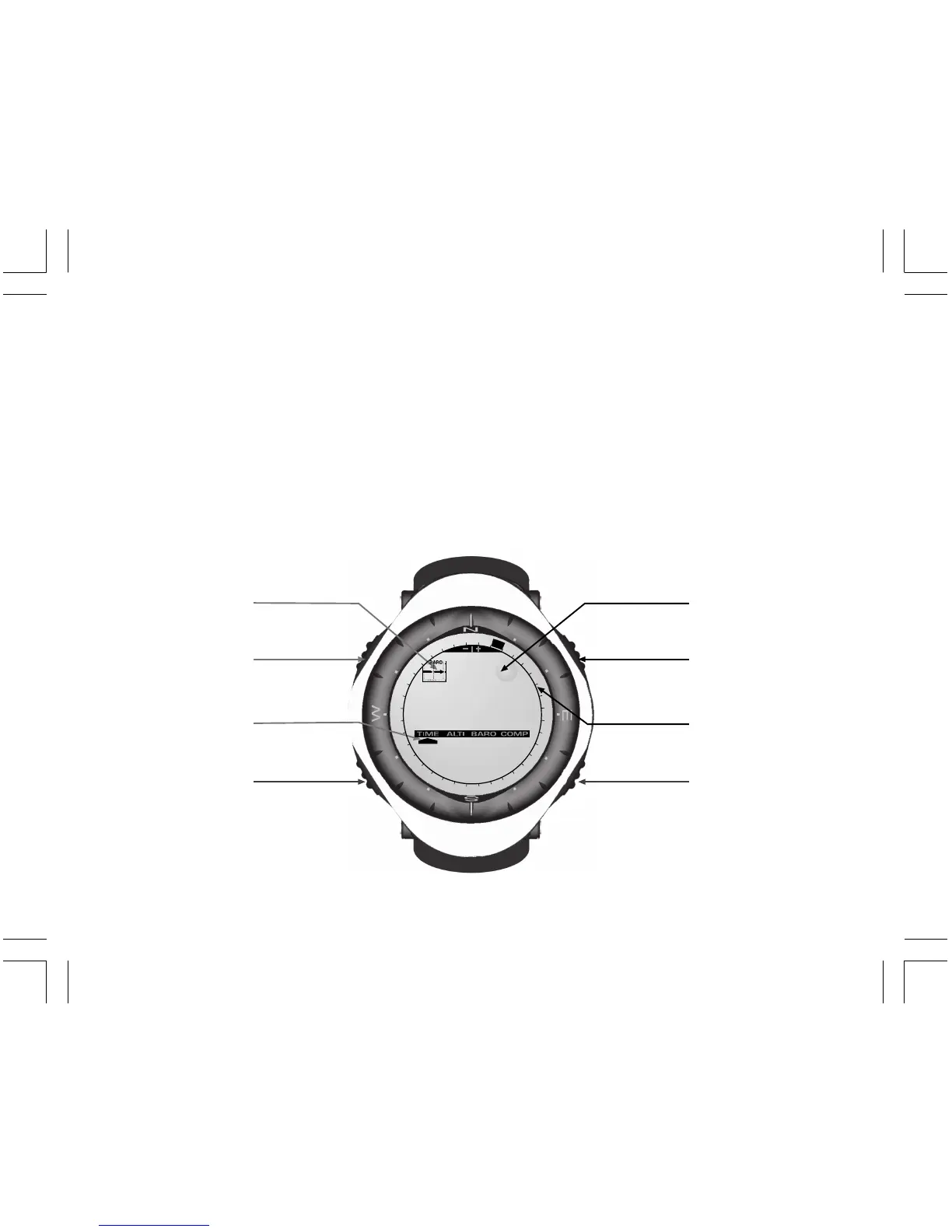
The display is divided into several regions or areas.
• The Outer Circumference encompasses the outer boundary of the LCD display. The peripheral segments
are found in the Outer Circumference.
• A Barometric Trend Indicator provides a quick reference for forecasting weather conditions.
• Field 1 displays values either numbers or text depending on the mode or sub mode the user is in.
• Field 2 displays large numbers and/or related unit of measure of the function.
• A Mode Indictor Bar displays the main modes (functions) of the Wristop Computer (a triangle arrow located
just below the bar indicates the mode the user is viewing).
• Field 3 displays numbers and/or text.
MODE
BUTTON
SELECT
BUTTON
- BUTTON
+ BUTTON
Mode Bar
Indicator
Outer
Circumference
Bubble
Level
Barometer
Trend
Indicator
Field 1
Field 2
Field 3


 To Next Page
 Loading...












