2-54
BEFORE DRIVING
57RK0-14E
Brightness control
52RS20090
52RM20480
When the ignition switch is turned to “ON”
position, the instrument panel lights come
on.
Your vehicle has a system to automatically
dim the brightness of the instrument panel
lights when the position lights or headlights
are on.
When the position lights and/or headlights
are on, you can adjust the meter illumina-
tion brightness.
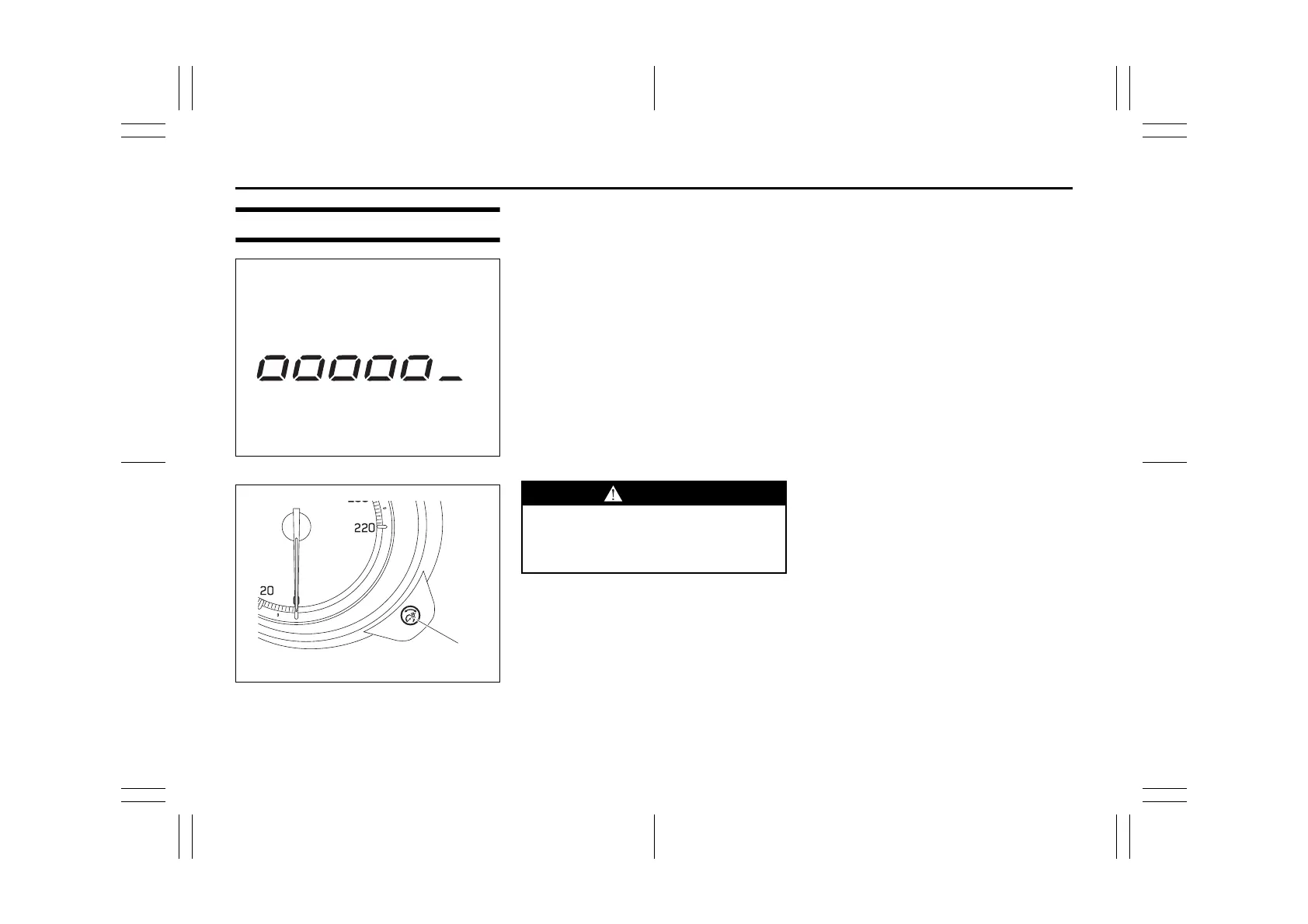
To increase the brightness of the instru-
ment panel lights, turn the indicator selec-
tor knob (1) clockwise.
To reduce the brightness of the instrument
panel lights, turn the indicator selector
knob (1) counterclockwise.
NOTE:
• If you do not turn the knob within several
seconds of activating, the brightness
control display will be canceled automat-
ically.
• When you reconnect the lead-acid bat-
tery, the brightness of the instrument
panel lights will be reinitialized. Readjust
the brightness according to your prefer-
ence.
NOTE:
If you adjust to the maximum brightness
level when the position lights or headlights
are on, the following functions will be can-
celled.
• The function which automatically dims
the brightness of instrument panel lights
• The function which operates with the
brightness control, except maximum
brightness level
WARNING
Do not adjust the brightness of the
instrument panel lights while driving.
Otherwise, you could lose control of
the vehicle.



 To Next Page
 Loading...