2-60
BEFORE DRIVING
57RK0-14E
How to use the setting mode:
1) When the ignition switch is in “ON”
position, and the vehicle is stationary.
2) Push and hold the indicator selector
knob (2) until the display shows
“”.
3) Turn and/or push the indicator selector
knob (2) to select a function that you
want to set up according to the chart in
the previous page.
4) Turn and/or push the indicator selector
knob (2) to register settings of the fol-
lowing functions.
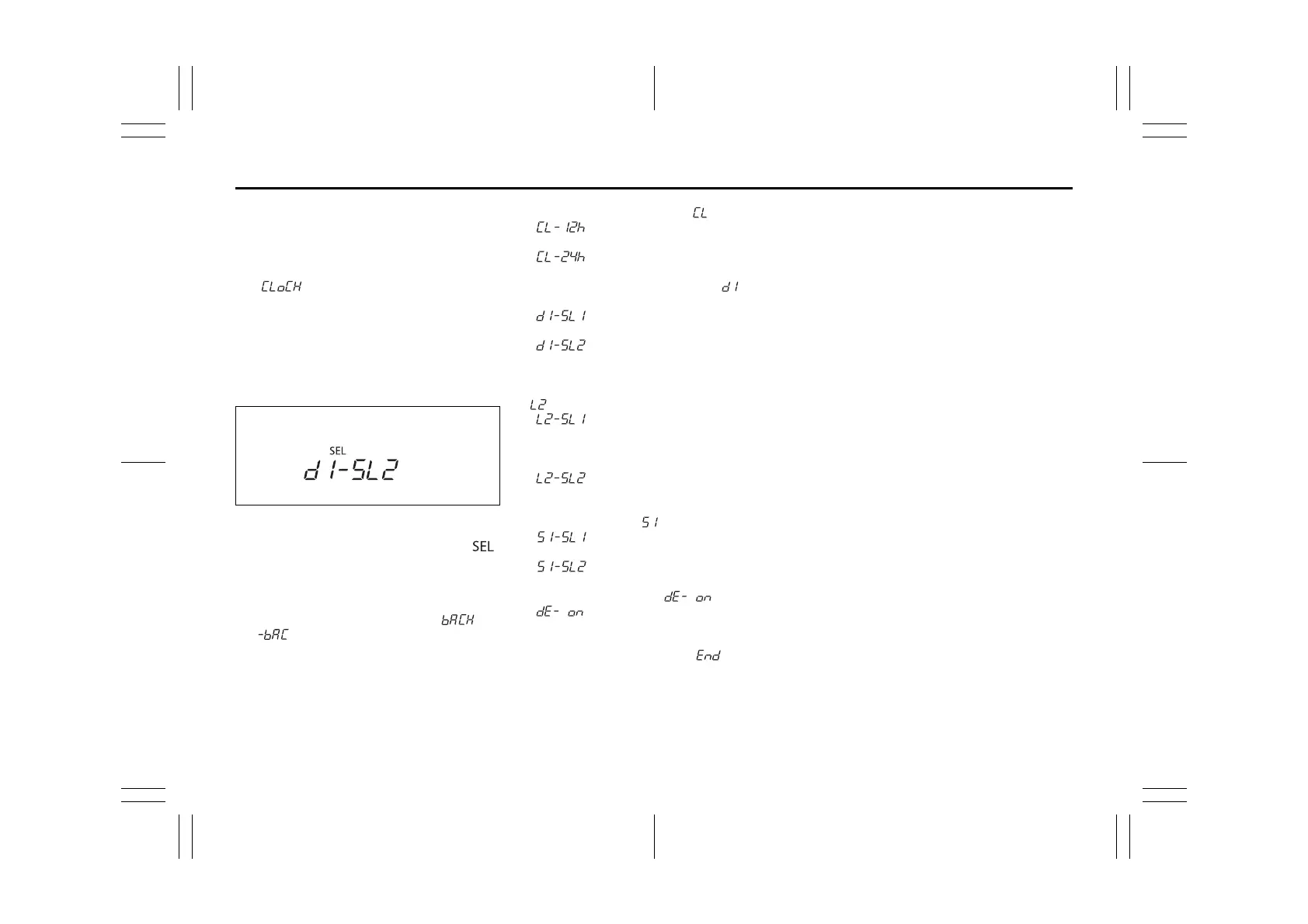
68PM00272
NOTE:
• As shown in the above illustration, “ ”
indicates on the display of currently set-
ting item.
• To go back to the higher level display
during operation, turn the indicator
selector knob (2) to display “ ” or
“ ” and then push the indicator
selector knob (2).
Time indication of clock “ ”
• : 12-hour format (default set-
ting)
• : 24-hour format
Central door locking system “ ”
(if equipped)
• : Unlock all doors by turning
the key once
• : Unlock all doors by turning
the key twice (default setting)
Additional flashes of the turn signal
“”
• : Turn signal flashes three
times after the turn signal
lever is returned (default set-
ting)
• : Disable the additional flashes
of turn signal
Security system “ ” (if equipped)
• : Enable the security system
(default setting)
• : Disable the security system
Initialization setting “ ”
• : Initialize all settings
How to exit the setting mode:
Switch the display to show “ ” and then
push the indicator selector knob (2).



 To Next Page
 Loading...