2-48
67L-74E
BEFORE DRIVING
67LH3-74E
Selecting the track (CD, USB (iPod
®
)
mode)
• To skip to the next track, press “ ” of
the switch (4) only for a moment.
• To skip to the previous track, press “ ”
of the switch (4) twice only for a
moment.
When the switch (4) is pushed down
once only for a moment, the track cur-
rently being played will start from the
beginning again.
Fast forwarding/Rewinding a track
• To fast forward, press “ ” of the switch
(4) for 1 second or longer.
• To fast rewind, press “ ” of the switch
(4) for 1 second or longer.
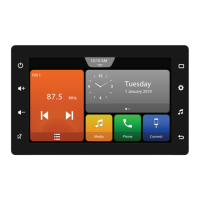
Audio System (if equipped)
If your vehicle is equipped with Audio sys-
tem, refer to supplementary owner’s man-
ual provided along with the vehicle.






 To Next Page