EasyManua.ls Logo

Svan SL8000DTD - Additional Functions

Svan SL8000DTD
32 pages
Print Icon
To Next Page IconTo Next Page
To Previous Page IconTo Previous Page
Loading...
EN - 15
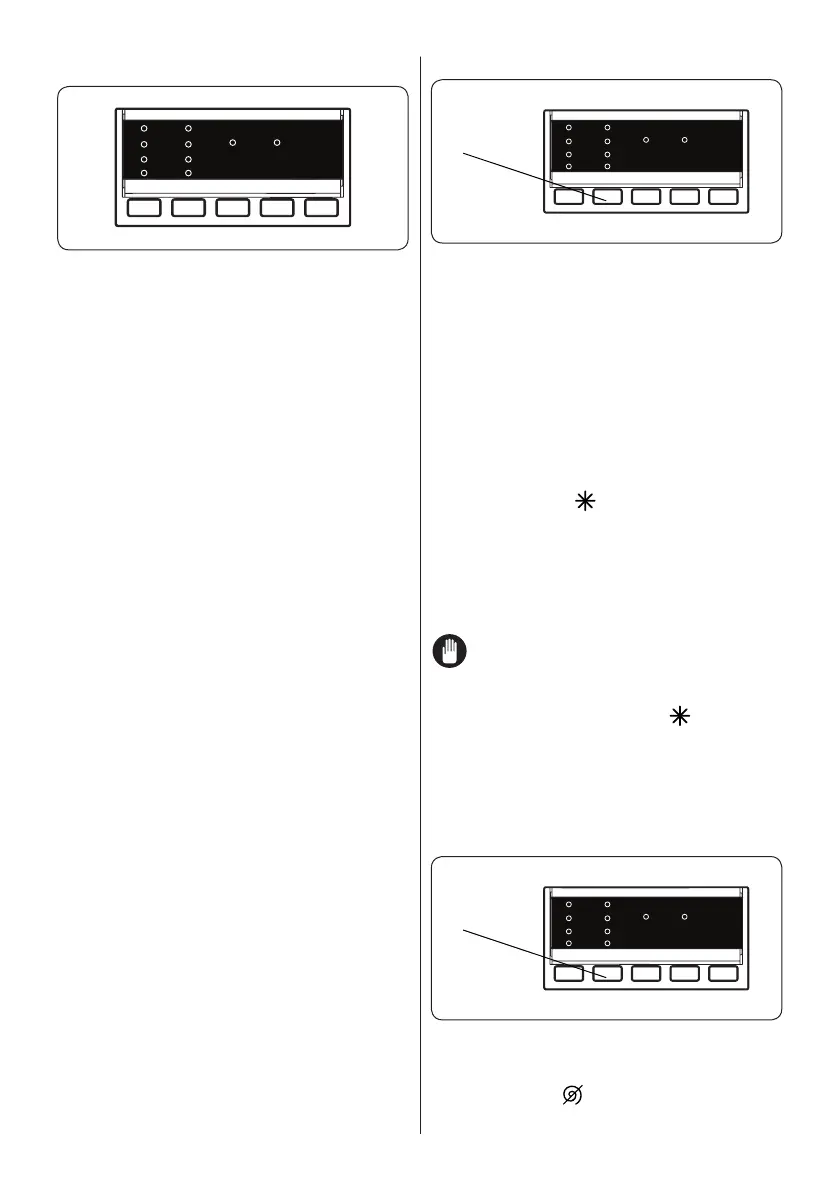
5.7 Additional Functions


 Press the button on the Control Panel


 


 

selected.
Reason for non-activation:
 The additional function is not
compatible with the selected washing
programme.
 Your machine has progressed too far
into the selected programme for the
additional function to be possible.
 The additional function you have
chosen is not compatible with
another additional function you have
already selected.
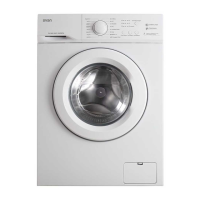
1. Temperature Selection
Temp.



When you select a programme the


temperature, press the water temperature





temperature for the selected programme
 
the temperature adjustment button.





NOTE: 


 (cold

the temperature adjustment button, the


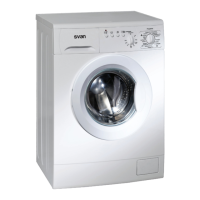
2. Spin Speed Selection

Speed
When you select a programme, the
maximum spin speed is automatically
selected. To adjust the spin speed, press
the Spin button ( ) until the desired speed
is displayed.


Related product manuals