EasyManua.ls Logo

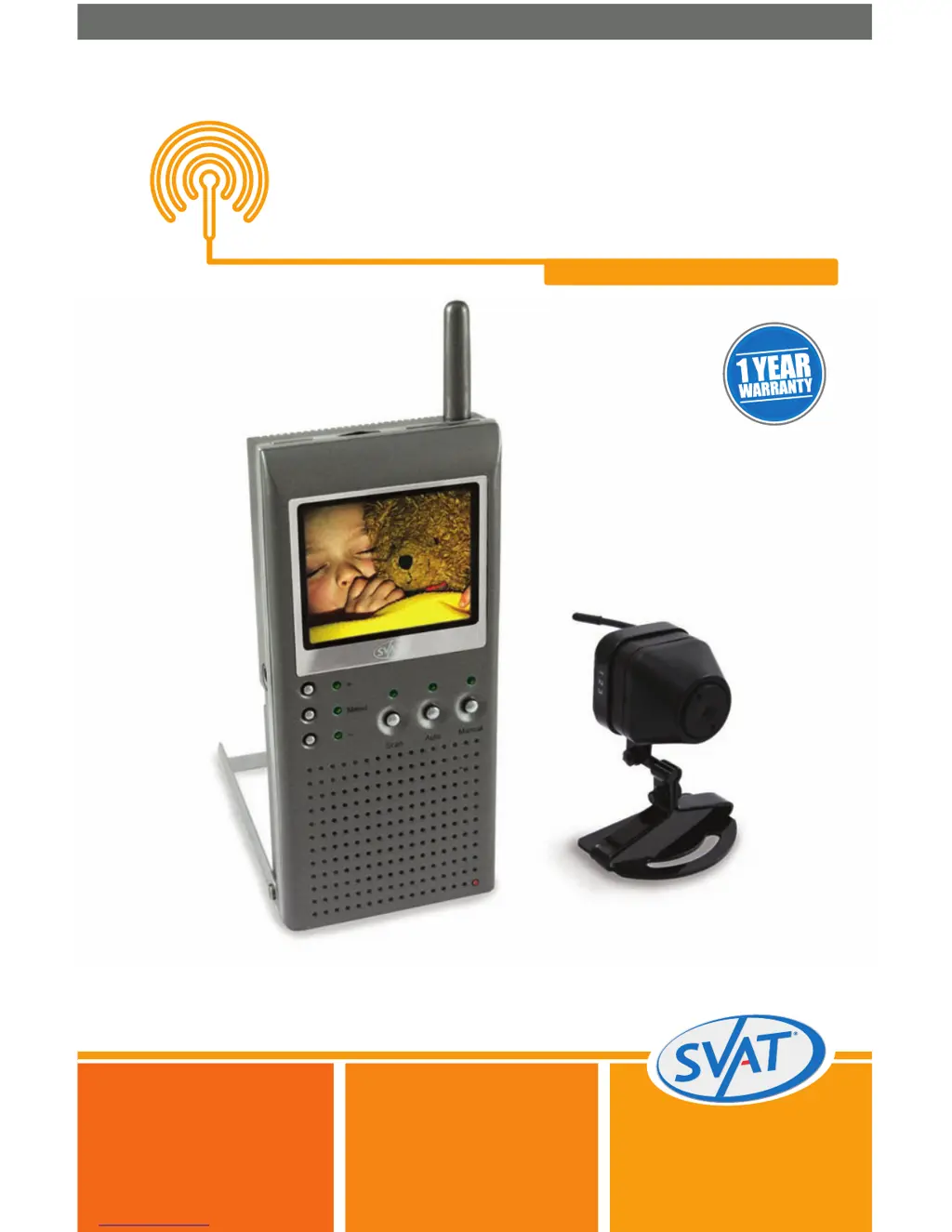
SVAT GX5204 - User Manual

SVAT GX5204
16 pages
Print Icon
To Next Page IconTo Next Page
Loading...
SVAT ELECTRONICS
now you can see
Wireless Handheld Color
Pinhole Camera System
COMPLETE SYSTEM
Instruction Manual
Model #
GX5204
www.svat.com

Questions and Answers

  • B
    bgibsonAug 11, 2025
    What to do if there is interference on SVAT GX5204 camera picture?
    • J
      Jasmine FisherAug 11, 2025
      If you are experiencing interference on your camera picture, ensure each camera is within range and that there are no obstructions blocking the signal. Try repositioning the camera, the monitor, or both to improve reception. Also, reposition any other nearby equipment that transmits on the 2.4 GHz frequency.
  • M
    Melissa LewisAug 18, 2025
    How to troubleshoot audio problems with SVAT GX5204 Security System?
    • H
      Hector JenkinsAug 18, 2025
      First, ensure the volume is turned up sufficiently on the monitor. Next, verify that the sound source is within the microphone's range. If the unit emits a loud wailing sound (feedback), try moving the camera away from the monitor or angle the monitor differently.
  • W
    willisjessicaAug 27, 2025
    What to do if SVAT Security System monitor is blank?
    • C
      Carl CantrellAug 27, 2025
      First, make sure the monitor is switched ON. If you are using the AC adapter, ensure that it is properly plugged in. Also, check that the rechargeable battery is charged. Finally, make sure the camera's AAA batteries are charged.
  • B
    Brendan WardSep 3, 2025
    How to fix no camera picture on SVAT GX5204?
    • K
      Kristen CrawfordSep 3, 2025
      To resolve a 'no camera picture' issue, check all connections and AC adapters. Ensure both the camera(s) and the monitor are switched ON. Verify that the camera(s) and the monitor are set to the correct channels. Finally, make sure the camera is within the range of the monitor.

SVAT GX5204 Specifications

General IconGeneral
BrandSVAT
ModelGX5204
CategorySecurity System
LanguageEnglish

Related product manuals