5.3 Image Software checking
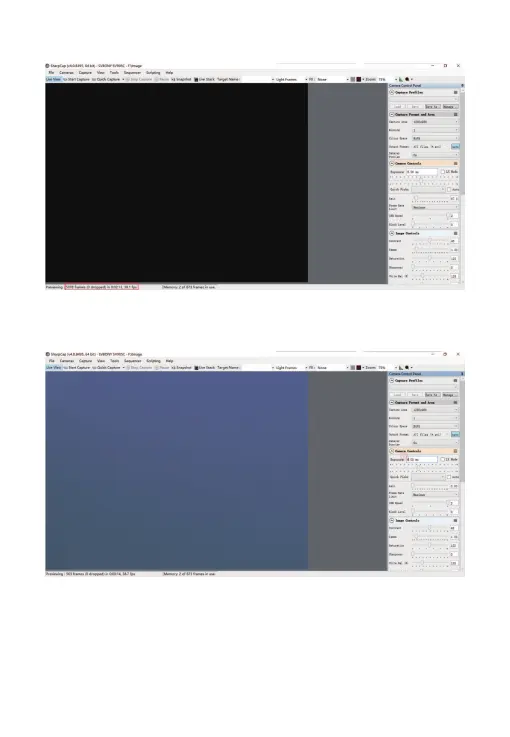
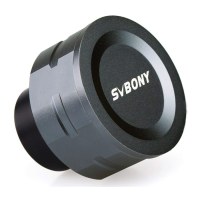
1. Check the frame rate
5.4 Using N.I.N.A
Launch N.I.N.A. —Nighttime Imaging ‘N’ Astronomy. Drive connect via ASCOM
driver. Turn on the refrigerator to set the temperature.
2. Remove the camera dust cover, adjust the exposure time, and the preview
interface will have light and dark changes, indicating that the work is normal.
04


 To Next Page