Need help?
Do you have a question about the Sven comfort 3050 and is the answer not in the manual?
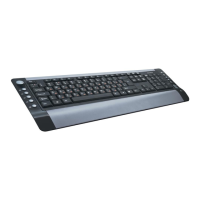
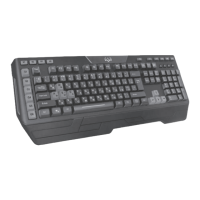
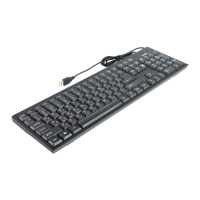
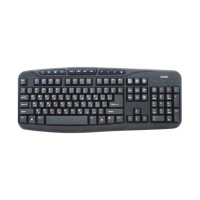
Highlights ergonomic design, high-quality membrane, compatibility, and shortcut buttons.
Lists operating systems and hardware requirements for the keyboard.
Instructions for connecting the keyboard to a PC via USB.
Details the functions of multimedia and web shortcut keys.
Steps to diagnose and resolve issues when the keyboard is not functioning.
Details key count, layout, OS requirements, interface, and physical dimensions.
Provides manufacturer name, address, and country of origin.
 General
| Type | Membrane |
|---|---|
| Connection Type | Wired |
| Interface | USB |
| Number of keys | 104 |
| Multimedia keys | Yes |
| Cable Length | 1.5 m |

 To Next Page