Need help?
Do you have a question about the Sven Comfort 7400 EL and is the answer not in the manual?
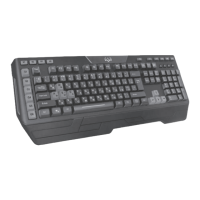
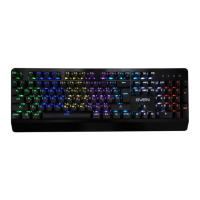
Details the keyboard's individual character backlighting, color options, membrane quality, and keystroke precision.
Lists all items included in the product packaging: keyboard, user manual, and warranty card.
Specifies compatibility with Windows XP/Vista/7/8 and the need for a free USB port.
Instructions for connecting the keyboard to a PC via USB and changing backlight settings.
Explains the functions of multimedia and other shortcut keys when used with the Fn key.
Provides solutions for common keyboard issues like not working or problems with shortcut keys.
Details key count, layout, OS compatibility, interface, lifespan, dimensions, and weight.
 General
| Connection Interface | USB |
|---|---|
| Number of Keys | 104 |
| Number of Hotkeys | 12 |
| Cable Length | 1.5 m |
| Connection Type | Wired |

 To Next Page