Need help?
Do you have a question about the Sven KB-G9300 and is the answer not in the manual?
Lists the items included in the keyboard package, such as the keyboard itself, user manual, and warranty card.
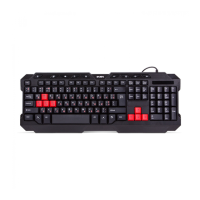
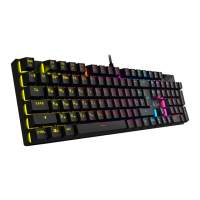
Highlights key functionalities of the keyboard, including Fn functions, WIN key lock, switch type, anti-ghosting, and backlight control.
Specifies the necessary operating system and hardware for the keyboard's functionality, typically OC Windows and a free USB port.
Details the simple process of connecting the keyboard to a PC via USB, noting automatic driver installation.
Explains the functionality of various key combinations, particularly those involving the Fn key for media control, lighting, and shortcuts.
Provides solutions for common issues, such as the keyboard not working, suggesting checks and service center contact.
Lists detailed technical data including key count, layout, OS compatibility, interface, dimensions, and weight.

 To Next Page
 General