EasyManua.ls Logo

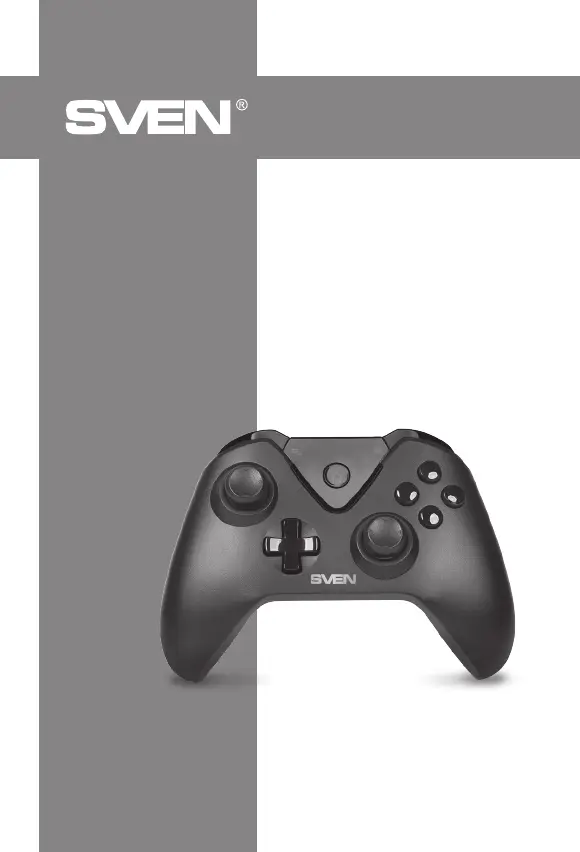
Sven GC-5070 - User Manual

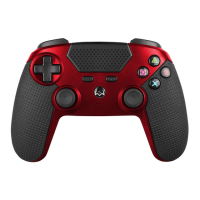
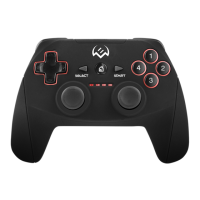
Sven GC-5070
20 pages
Print Icon
To Next Page IconTo Next Page
Loading...

 
www.sven.
 
GC-5070

Other manuals for Sven GC-5070

Questions and Answers

  • B
    Brenda HahnAug 6, 2025
    What to do if Sven Video Game Controller does not work after software installation?
    • M
      Melissa MortonAug 7, 2025
      If your Sven Video Game Controller isn't working correctly after software installation, try these steps: 1. Ensure the controller's link cable is securely connected to your PC. 2. Go to the Properties window (Controller (Controller (XBOX 36 ...) / Properties: USB Vibration Joystick (BM)) to verify the gamepad is connected correctly. 3. Press the RESET button to reset the connection. 4. If it still fails, restart your PC.
  • J
    Juan JenningsAug 14, 2025
    How to increase vibration strength on Sven Video Game Controller?
    • J
      Justin EatonAug 14, 2025
      If the vibration function feels weak while playing, access the «Force Feedback» settings within the game and adjust the vibration strength to your preference.
  • J
    james23Aug 21, 2025
    What to do if Sven Video Game Controller does not turn on after not being used for a few days?
    • D
      Darlene GarciaAug 21, 2025
      If your Sven Video Game Controller doesn't turn on after being idle for a couple of days: 1. Connect it to the power supply for 1-3 minutes. 2. If it still doesn't turn on, charge it for a longer period.
  • S
    shepherdnicoleAug 28, 2025
    Why is the analog axis moving automatically on my Sven Video Game Controller?
    • C
      Claudia CampbellAug 29, 2025
      The analog axis may be moving automatically because the manipulator calibration is not adjusted or confirmed after adjustment.

Summary

Buyer Recommendations

Description

Safety Precautions

Package Contents

Special Features

System Requirements

Description of Construction

Connection and Installation

Troubleshooting

Sven GC-5070 Specifications

General IconGeneral
Device typeGamepad
Number of axis4
Buttons quantity11
Reflex vibrationYes
Gaming control technologyAnalogue / Digital
Gaming platforms supportedAndroid, PC, Playstation 3
Gaming control function buttonsD-pad, Home button
Receiver typeNano receiver
Frequency range2.4 GHz
Device interfaceBluetooth/USB
USB connector typeMicro-USB
Connectivity technologyWired & Wireless
Wireless receiver interfaceUSB
Product colorBlack
Battery typeBuilt-in
Power sourceCable/Battery
Mobile operating systems supportedAndroid
Windows operating systems supportedWindows 10, Windows 7, Windows 8

Related product manuals