EasyManua.ls Logo

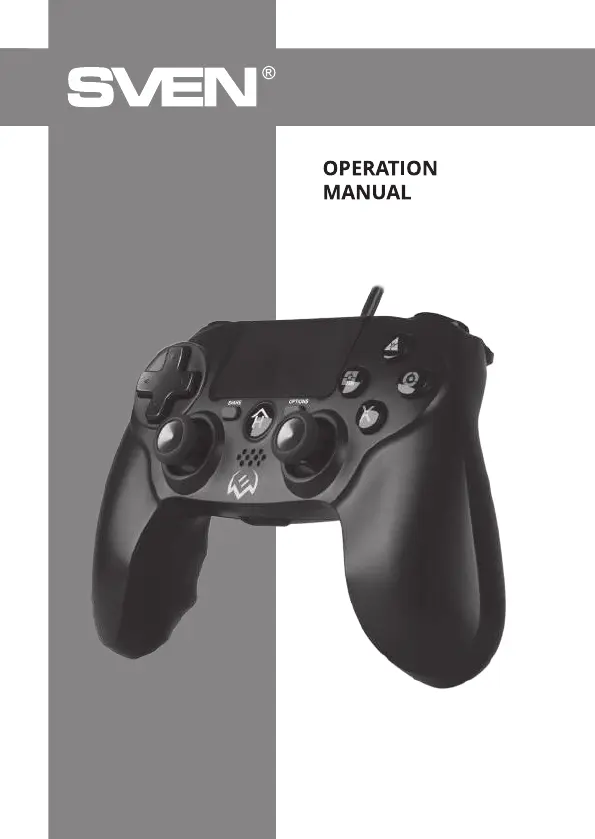
Sven GC-400 - User Manual

Sven GC-400
6 pages
Print Icon
To Next Page IconTo Next Page
Loading...
www.sven.fi
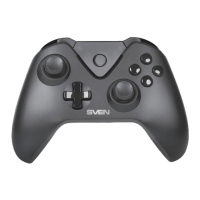
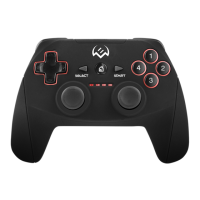
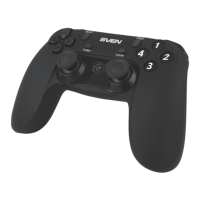
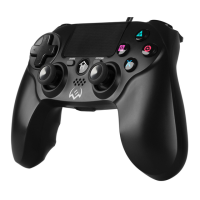
Wired Gamepad
GC-400

Other manuals for Sven GC-400

Questions and Answers

Summary

Buyer Recommendations

Description

Safety Precautions

Package Contents

Special Features

System Requirements

Description of the Construction

Connection and Installation

Connecting a gamepad to PS4 console

Connect the gamepad via USB cable to an available USB port, then press the HOME button.

Connecting a gamepad to PC

Connect via USB cable. Windows OS detects and installs the driver automatically.

Troubleshooting

Sven GC-400 Specifications

General IconGeneral
Device typeGamepad
Buttons quantity11
Reflex vibrationYes
Gaming control technologyDigital
Gaming platforms supportedPC, PlayStation 4, Playstation 3
Gaming control function buttonsD-pad, Home button, Options button, Share button
Device interfaceUSB
Connectivity technologyWired
Cable length1.8 m
Product colorBlack
Power sourceCable
Weight and Dimensions IconWeight and Dimensions
Depth55 mm
Width165 mm
Height111 mm
Weight190 g

Related product manuals