EasyManua.ls Logo

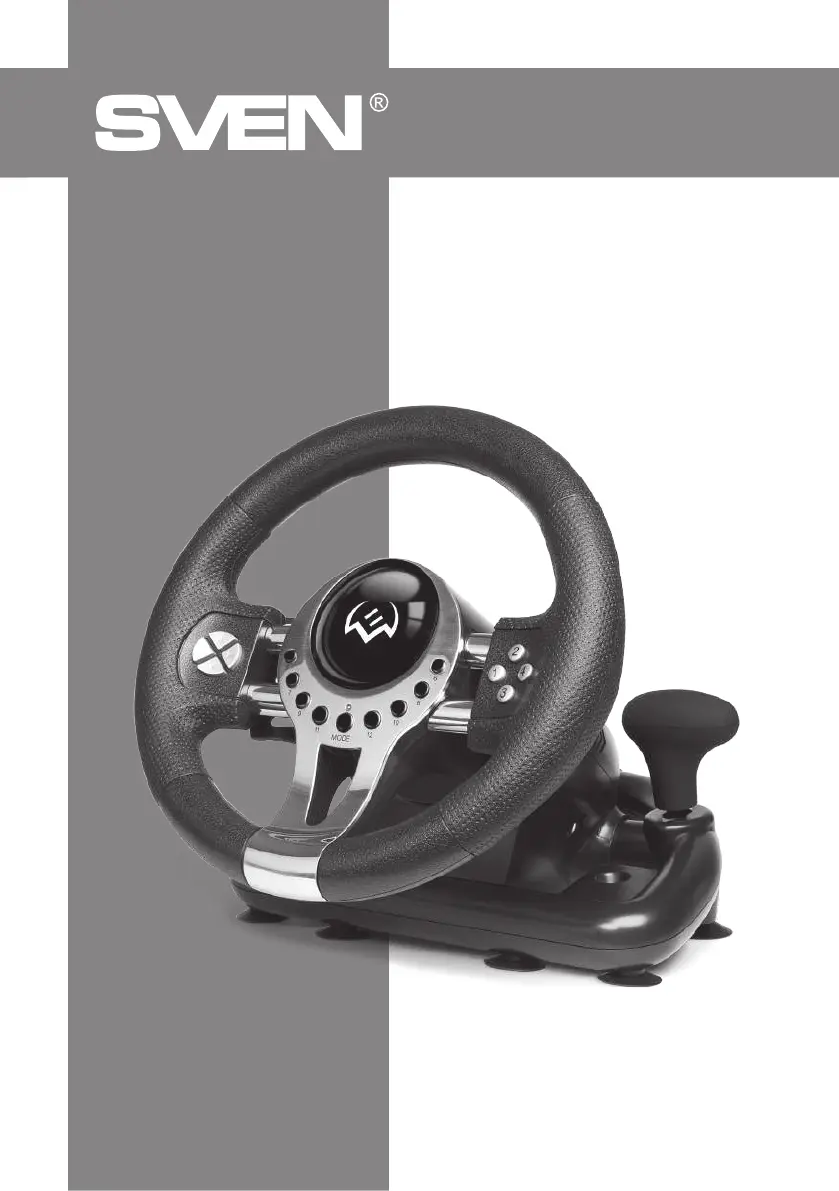
Sven GC-W700 - User Manual

Sven GC-W700
8 pages
Print Icon
To Next Page IconTo Next Page
Loading...
www.sven.fi
OPERATION
MANUAL
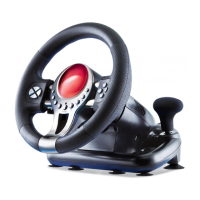
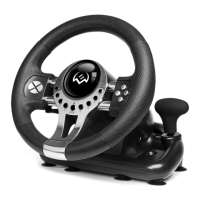
Game Racing Wheel
GC-W700

Questions and Answers

  • B
    brooke99Aug 6, 2025
    How to fix Sven Video Game Controller not working after software installation?
    • J
      Jerome WalkerAug 6, 2025
      If your Sven Video Game Controller isn't working correctly after software installation, first ensure the controller's cable is securely connected to your PC. Then, verify that the status indication for 'Game devices' shows 'Aplay' after installation. Check for any conflicts between the controller's settings and those of other peripherals. If the problem persists, restart your PC.
  • J
    joshuawilsonAug 12, 2025
    Why does my Sven GC-W700 analog axis automatically operate in game?
    • D
      David ThomasAug 13, 2025
      If, after entering a game, some analog axes on your Sven Video Game Controller operate automatically, navigate to Option – Controllers – Dead Zone. Adjust the range of the dead zone to ensure the axes are within the dead zone range. This issue may occur because the steering wheel hasn’t been calibrated or confirmed after calibration.
  • D
    Danny ShannonAug 21, 2025
    What to do if Sven Video Game Controller driving program won't install?
    • M
      matthew70Aug 21, 2025
      If you're unable to install the driving program for your Sven Video Game Controller on your PC, or the controller test has no response after installation, ensure that your DirectX version is 7.0 or higher. The problem is that your DirectX version is too low.
  • J
    jimenezsarahAug 28, 2025
    What to do if Sven GC-W700 Video Game Controller vibration feedback operates automatically?
    • D
      Dr. Sonya LyonsAug 28, 2025
      If the vibration feedback operates automatically after entering the game with your Sven Video Game Controller, enter «Force Feedback» and calibrate it.

Summary

Product Description and Features

Product Description

Details the Sven GC-W700 Game Racing Wheel's ergonomic design, rubber coating, and vibration feedback for realistic driving simulation.

Special Features

Highlights ergonomic design, 10-inch wheel diameter, 180-degree steering, Windows support, USB interface, vibration feedback, and multiple controls.

Safety and System Requirements

Safety Precautions

Advises against self-disassembly, protects from environmental factors, and specifies cleaning instructions to prevent damage.

System Requirements

Lists the necessary USB port availability and compatible operational systems (Windows XP/Vista/7/8/10) for the racing wheel.

Construction and Connection

Description of Construction

Identifies key components of the racing wheel, including the wheel, pedals, fixation stand, and USB cable via numbered diagrams.

Connection and Installation

Guides users on physically connecting the wheel and pedal unit, installing drivers from CD or website, and basic setup steps.

Operation and Troubleshooting

Sensitivity and Vibration Setup

Explains how to adjust sensitivity, map keys, test vibration feedback, and switch between digital and analog modes.

Troubleshooting Guide

Provides solutions for common issues like the controller not working, vibration problems, or analog axis malfunction.

Sven GC-W700 Specifications

General IconGeneral
Device typeSteering wheel + Pedals
Number of axis2
Buttons quantity12
Reflex vibrationYes
Gaming control technologyAnalogue / Digital
Gaming platforms supportedPC
Steering wheel rotation angle180 °
Gaming control function buttonsD-pad, Directional buttons
Device interfaceUSB
Connectivity technologyWired

Related product manuals