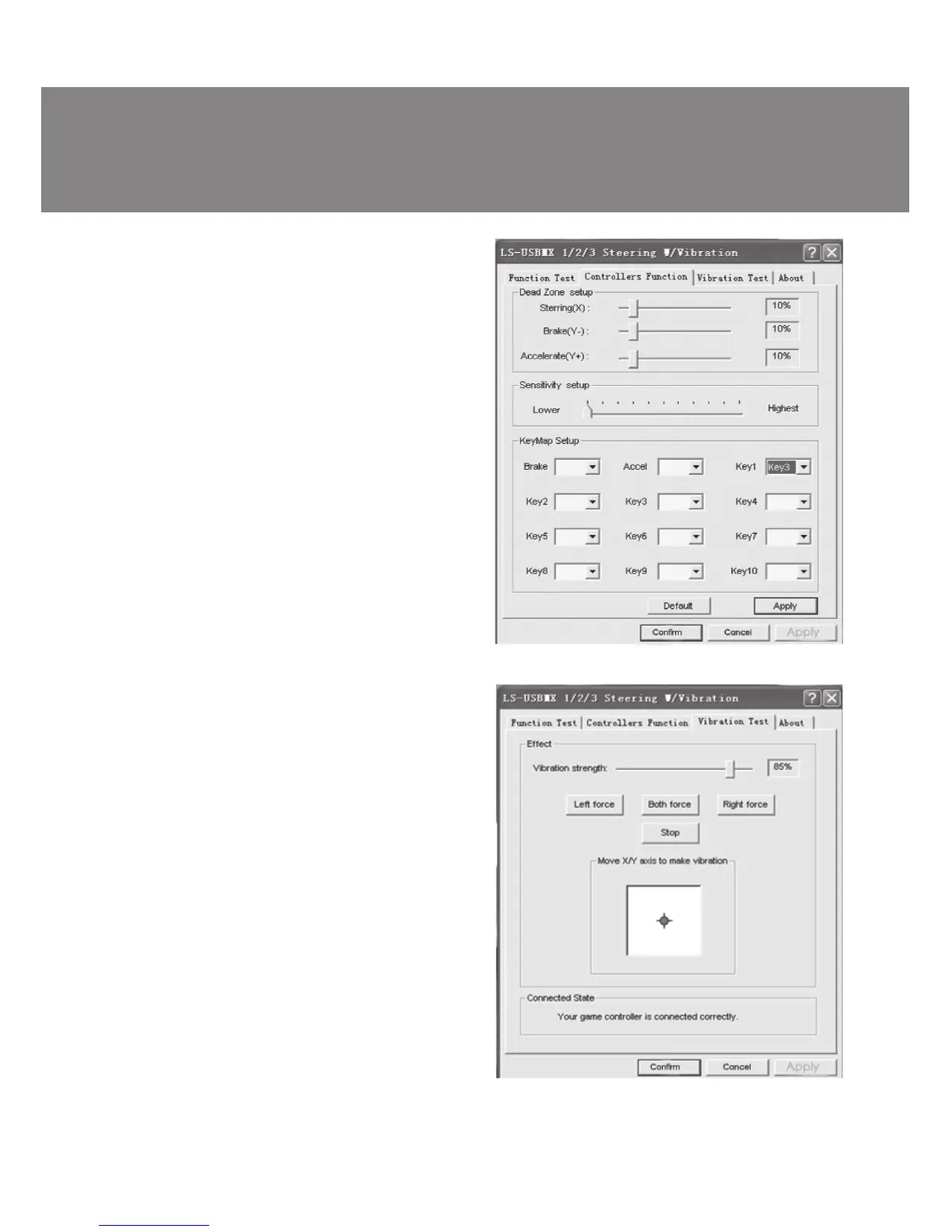
Fig. 7
Fig. 8
– After installation of the driver, the controller
can be automatically centered by pressing
MODE button MODE k.
ATTENTION! During automatic calibration
do not press any buttons.
• Choose Vibration test (Fig. 8) to check and set
vibration feedback:
а) moving cursor in Vibration strength increases
or reduces force of vibration feedback, for
example, in Fig. 9 vibration feedback is 85 %;
b) pressing buttons Left force, Both force or
Right force allows to check vibration feedback
(Fig. 8);
c) after setting and checking, press Confirm in
the bottom of the window.
NOTE! Games supporting Force Feedback
can have further setup of feedback in dif-
ferent situations: crashes, collisions against
obstacles or road signs etc. For further
setup it is necessary to make corresponding
adjustments in the setup window against
Stick Volume, Road Effects, Collision,
Engine etc.
• Switching modes.
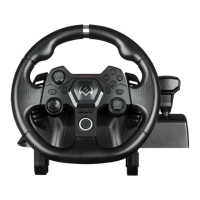
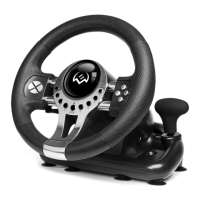
Game Racing Wheel is equipped with MODE
button k for switching between Digital/ Analog
modes, i.e. switching from Digital to Analog
mode and vice-versa. When the wheel is turned
and pedals are pressed in Digital mode, there is
static maximum switching ON/OFF of correspon-
ding axes, i.e. there is only ON/OFF position. In
Analog mode the signal is sent dependent on
steering angle of the wheel and extent to which
the pedal was pressed, i.e. smoothly.
• Operation without pedal unit.
Game Racing Wheel is equipped with paddle
shifters n that substitute acceleration and brake
pedals: the left paddle shifter functions as a
brake pedal, while the right paddle shifter func-
tions as an acceleration pedal.
ENG
5
Operation Manual
SPEEDY


 To Next Page