ENG
Operation Manual
SPS-710
5
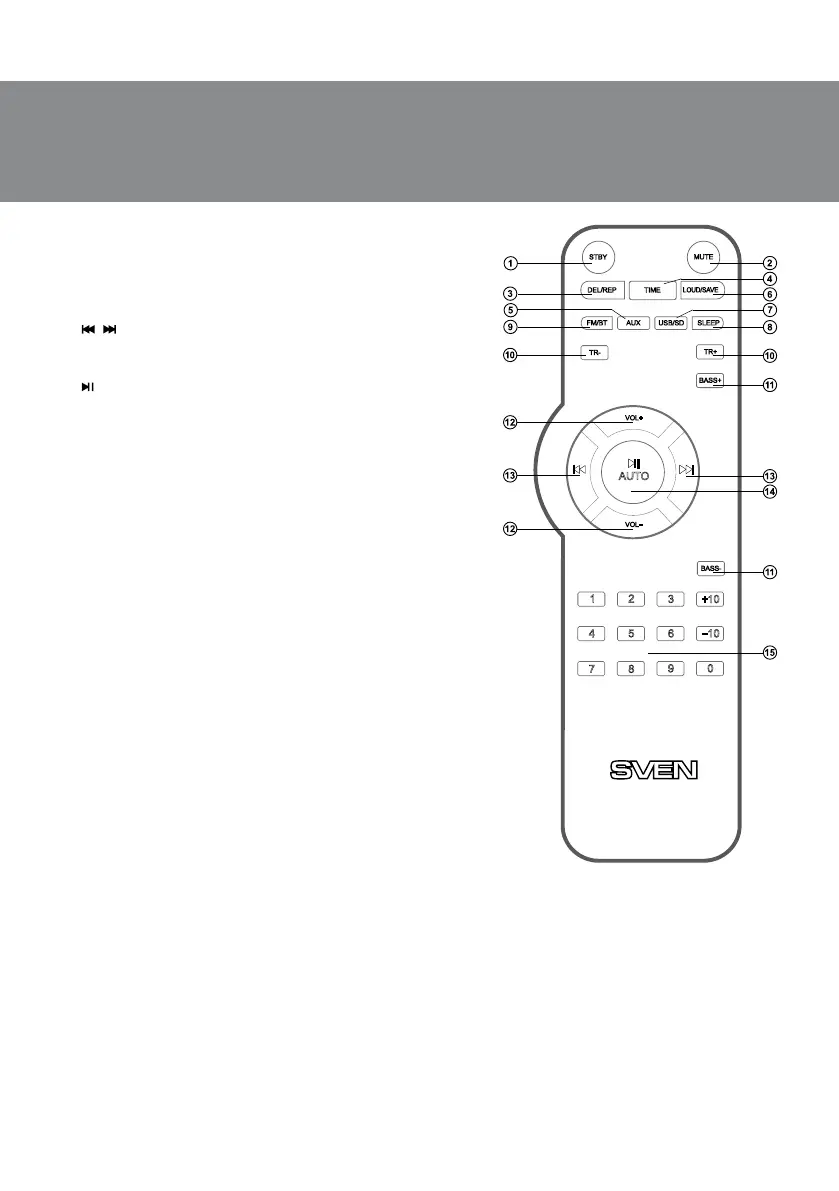
h SLEEP: Sleep mode
i FM/BT: FM/Bluetooth mode
j TR +/-: treble control button
k BASS +/-: bass control button
l VOL +/-: volume control button
m
, : previous track/next track (Player and Bluetooth
mode);
previous/next station (Radio mode); clock/alarm settings
n , AUTO: Play / Pause (Player and Bluetooth mode);
Start/Stop auto scan (pressed long in Radio mode);
clock/alarm settings
o 0-9: numeric pad (select track number in the Player
mode or track number FM Radio)
Notes:
• Use the remote control at an angle no more than
30 degrees, no more than 7 meters away from the IR
receiver.
• Direct the RC at the IR receiver display on the
control panel.
• If the RC isn’t working, check batteries and replace
the discharged batteries with new ones.
• Remove the batteries from the remote control if
the device is left unused for a long period of time
(more than a week).
5. PREPARATION AND OPERATION
Speaker placement
• Place the speakers symmetrically to the listener at least
one meter away.
• Place the speaker system far away from supersensitive
monitors and TV sets, as insignicant image distortion in
these devices is possible.
MSS сonnecting and control
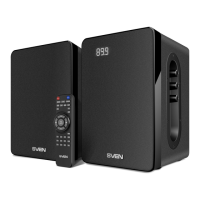
SPS-710 Multimedia Speaker System can be connected
to virtually any audio source: laptop/
mobile device
,
Fig. 3. Remote control
PC sound card, etc. (see connection diagram in Fig. 4).
• Before making any connections, make sure that the MSS is unplugged. Connect the active speaker
with the passive one using the audio cable (included). To do this, wring out the connector terminals
on a passive speaker, insert the red cable wires of speakers to the red terminals and the black cable
wires of speakers – to the black terminals (see connection diagram in Fig. 4), and then connect
cables to the active speaker terminals k.
Note. Check the reliable xation of wires in terminals, connection compliance with polarity
and the absence of contact of bared wires with each other and the metal parts of the
hardware.
• To connect the MSS to a PC, MP3 player, rst plug the RCA jacks of the 2RCA to mini-jack Ø 3,5 mm
signal cable (included) to the РС audio AUX input of the active speaker, then plug the mini-jack of the


 To Next Page