HOW TO SET:
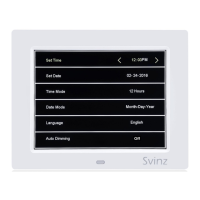
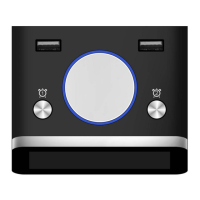
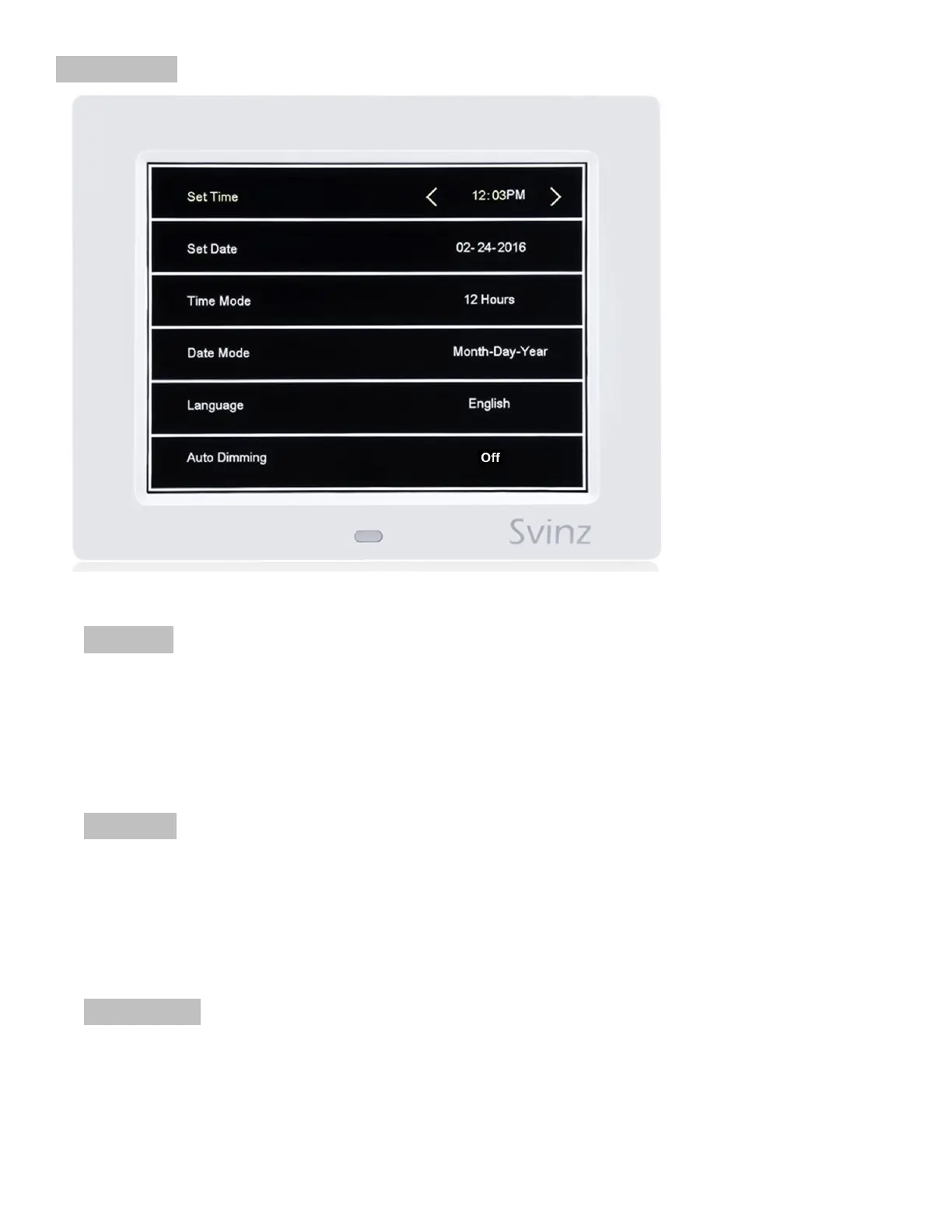
1. SET TIME: Press the MENU button to access the settings page. Press the UP/DOWN button
to access the 1
st
line titled Set Time. Press the RIGHT/LEFT button to select the field to be
modified. When the field is underlined with blue, use the UP/DOWN button to adjust the
number. After the changes are complete, press the OK button to save the settings. Press
the MENU button to go back to the main display or press the UP/DOWN button to access
other settings.
2. SET DATE: Press the MENU button to access the settings page. Press the DOWN button to
access the 2
nd
line titled Set Date. Press the RIGHT/LEFT button to underline the field to be
modified. When the field is underlined with blue, use the UP/DOWN button to adjust the
number. After the changes are complete, press the OK button to save the settings. Press
the MENU button to go back to the main display or press the UP/DOWN button to access
other settings.
3. TIME MODE: Press the MENU button to access the settings page. Press the DOWN button
to access the 3
rd
line titled Time Mode. Press the RIGHT/LEFT button to switch between: 12
Hours (A.M./P.M.) or 24 Hours (Military Time). Press the MENU button to go back to the
main display or press the UP/DOWN button to access other settings.


 To Next Page
 Loading...