Need help?
Do you have a question about the SVINZ SDC008 and is the answer not in the manual?
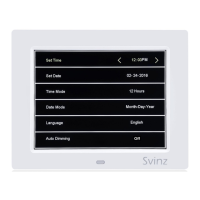
Configure the current time on the clock.
Configure the current date on the clock.
Switch between 12-hour and 24-hour time formats.
Select the date display format (e.g., MM-DD-YYYY).
Choose the user interface language.
Adjust screen brightness based on time of day.
Select the display color (White or Yellow).
Configure the first alarm time and settings.
Set how often Alarm 1 repeats (Once, Everyday, etc.).
Configure the second alarm time and settings.
Set how often Alarm 2 repeats.
Configure the third alarm time and settings.
Set how often Alarm 3 repeats.
 General
| Brand | SVINZ |
|---|---|
| Model | SDC008 |
| Category | Alarm Clock |
| Language | English |

 To Next Page