Pairing the Camera3
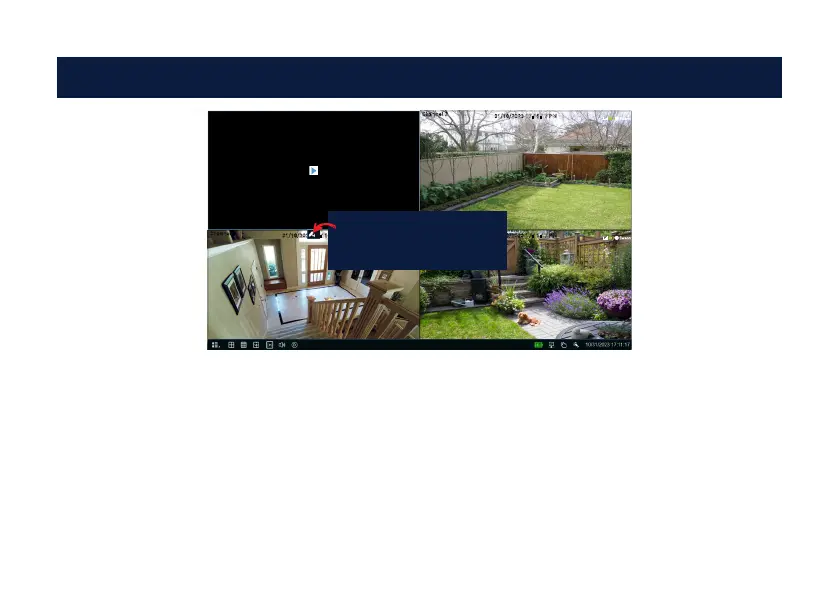
1. In Live View mode, click a channel to pair the camera to.
2. A pair button appears (a blue pair button may also appear in the top-right hand corner of each channel).
Press this button to commence pairing. A message will appear on-screen.
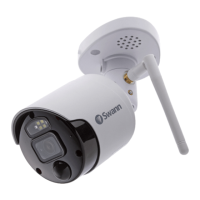
3. Press and hold the pair button on the camera until you see red and blue LEDs flashing, then release. The
camera is now in pairing mode.
4. After a short moment the camera will be paired, and you will see the camera’s image on-screen. If the
cam¬era fails to pair, repeat the above instructions and try again.
Channel 2
31/10/2023 17:11:17 PM
Channel 3
31/10/2023 17:11:17 PM
Channel 4
31/10/2023 17:11:17 PM
Press the pair button to
commence pairing.



 To Next Page