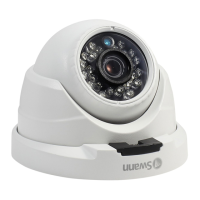
Introduction
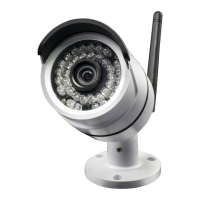
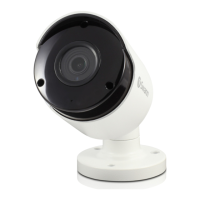
Congratulations on the purchase of your Swann Su-
per HD Camera.
• Enjoy day & night security & have a bird’s eye
view of your premises in crystal clear super HD
with this impressive 5 Megapixel camera
• See what’s happening in any light with infrared
cut filter & powerful night vision up to 130ft/40m
& a wide 70° viewing angle
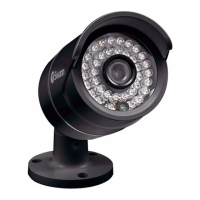
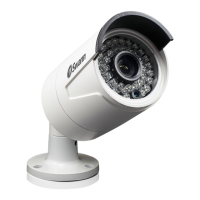
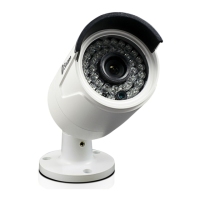
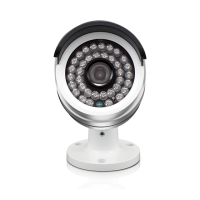
• With sleek bullet styling & sturdy aluminium
construction, the camera suits indoor & out-
door applications with an IP66 rating for any
weather conditions
• This camera is the perfect addition if you al-
ready have a recording solution (NVR) & need
extra surveillance. It can only be used in combi-
nation with Swann’s Platinum Digital HD NVRs
including the 7450 series
Important instructions
1. Make sure the camera is fixed correctly and stable
if fastened in place.
2. Never place strain of any kind on the network ca-
ble connection. It’s designed to clip into the Ethernet
port, but it won’t support weight and can be broken.
3. Do not operate if wires and terminals are exposed.
Important note: All jurisdictions have specific laws
and regulations relating to the use of cameras. Be-
fore using any camera for any purpose, it is the buy-
er’s responsibility to be aware of all applicable laws
and regulations that limit the use of cameras.
1
If you own a 8 or 16 channel 8000 series NVR, con-
figuration is required for successful connection,
go to support.swann.com for further instructions.
Search for - NHD 855 Connection Guide.


 To Next Page