Connecting the Camera2
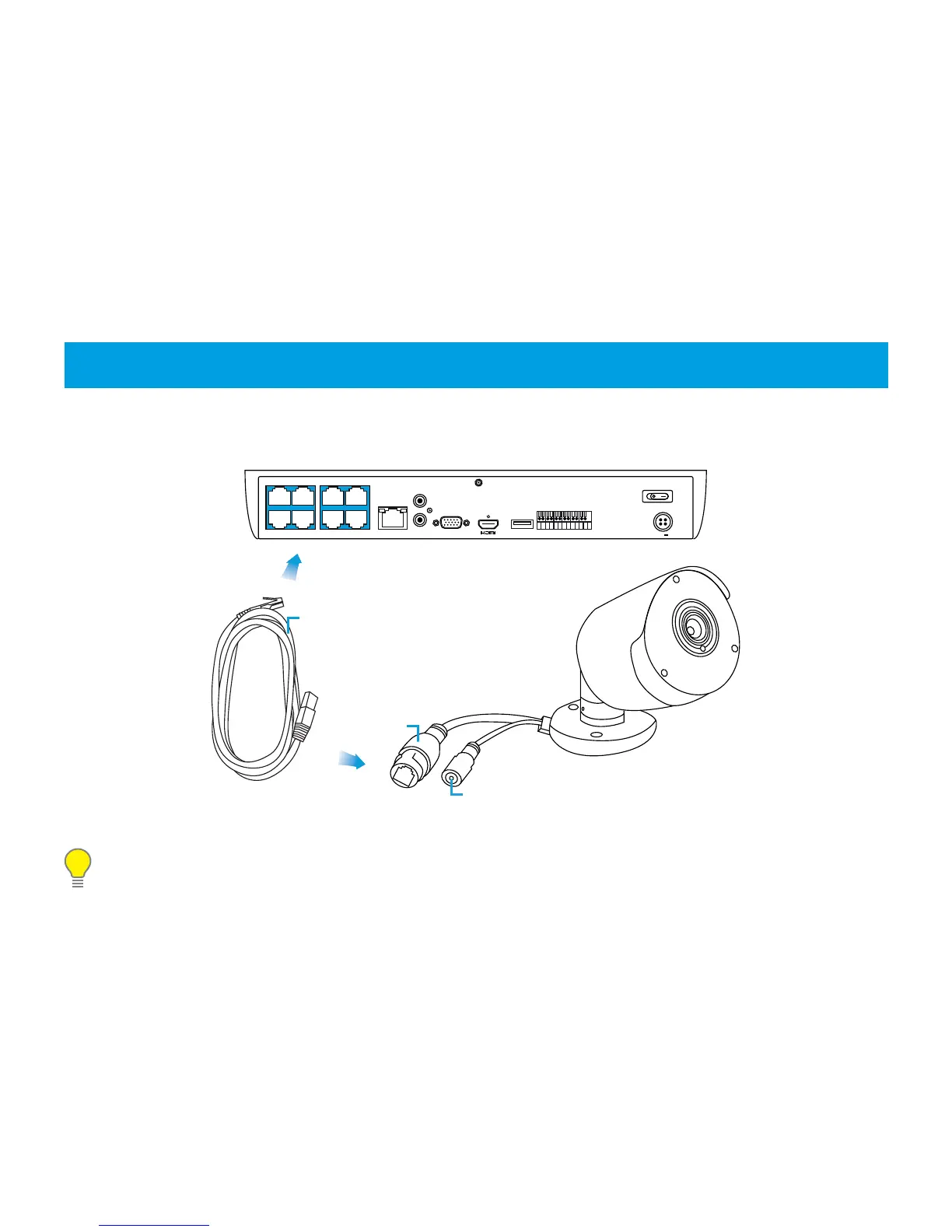
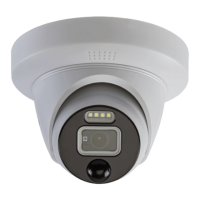
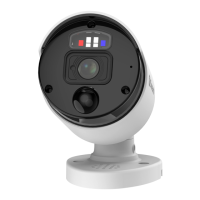
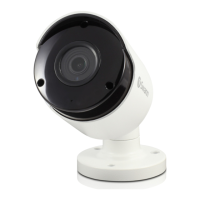
To connect the camera to your NVR, simply connect the supplied Ethernet cable to the LAN connection on the
camera then plug the other end of the cable into one of the IP camera inputs on the back of your NVR.
Please note: The power connector is provided as an alternative power option if required. Your NVR will
provide power over the Ethernet cable when connected and a separate power adapter is not required.
LAN7LAN7 LAN5LAN5
LAN8LAN8 LAN6LAN6
LAN3LAN3
LAN4LAN4
LAN1LAN1
LAN2LAN2
WANWAN AUDIO OUTAUDIO OUT VGAVGA USB 3.0USB 3.0
LINE INLINE IN
8 78 7 6 56 5 G 4G 4 3 23 2 1 G1 G ALARMALARM
SENSORSENSOR
48V48V
Power
Ethernet Cable
LAN


 To Next Page