English version
6
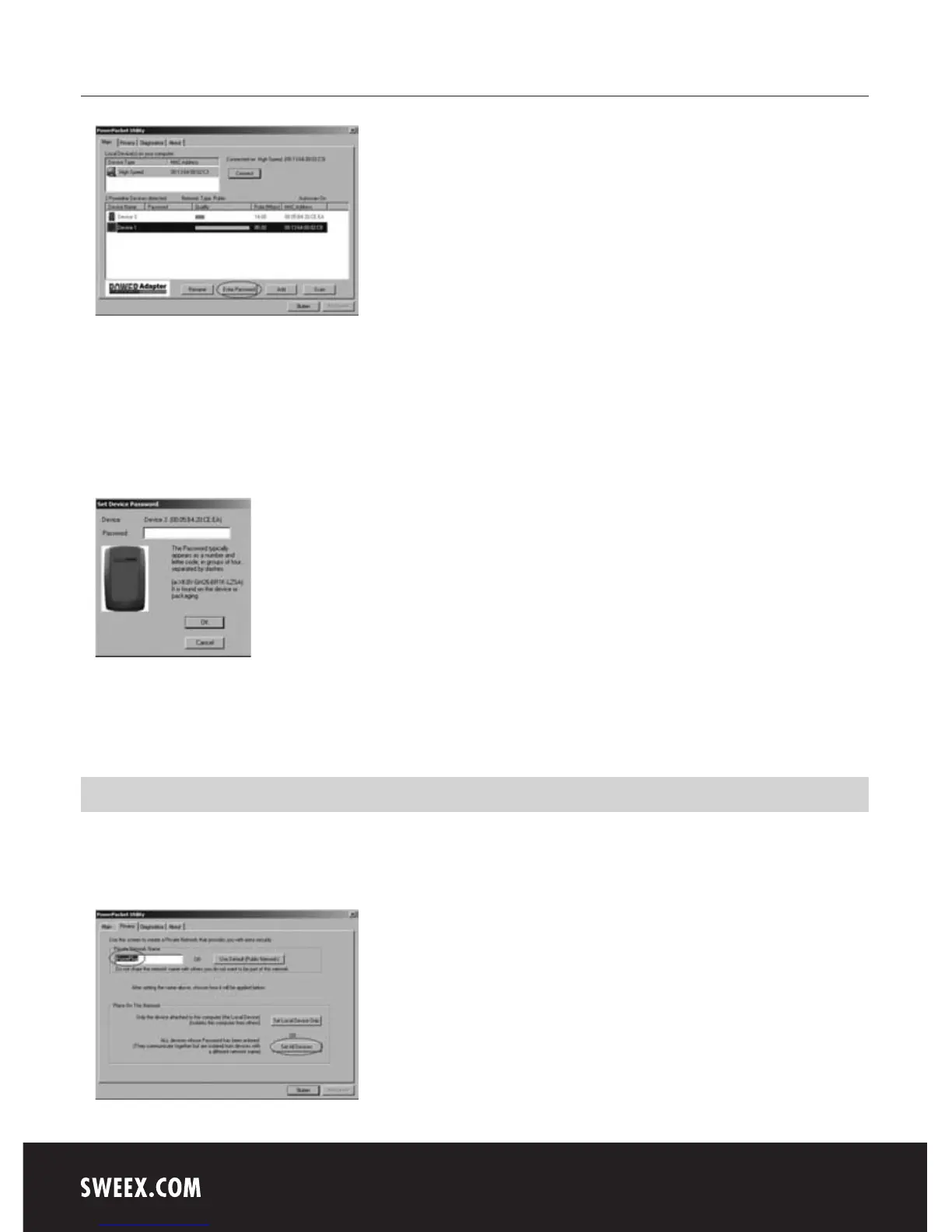
The programme will immediately start searching for the different Powerline devices which are connected to the Powerline adapter of your computer
via the electric mains. The devices will be listed in the window under “Device name”. This will further detail the password (empty by default), the
quality of the connection (“Quality”) the effective data speed (“Rate (Mbps)”) and the MAC address of the adapter (“MAC Adress”).
If you want to use the security options, the password of the relevant adaptor must be filled in. This password (“PWR: xxxx-xxxx-xxxx-xxxx”)
is unique for each adapter and can be found on the sticker on the back of the adapter, under MAC address (“MAC: xx:xx:xx:xx:xx:xx”). We
recommend noting down this information prior to installation, for easy reference.
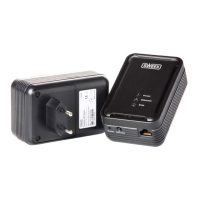
Select the device you would like to configure and click “Enter Password”. The following screen appears:
Enter the password detailed on the relevant adapter. Ensure that the MAC address of the adapter matches the MAC address listed in the programme,
so that the correct password is entered!
Protection
It is not required to secure the Sweex Powerline Ethernet Adapter 85 Mbps in order to operate it. In the event that an individual has access to your
wall outlet, this person could use your Internet connection via that wall outlet (should you not have secured it). This is rather unlikely to happen in
practice, since Powerline is limited to the confines of your own home. Within your home, Powerline does cross the various groups.


 To Next Page