54M Wireless Router User Guide
- 62 -
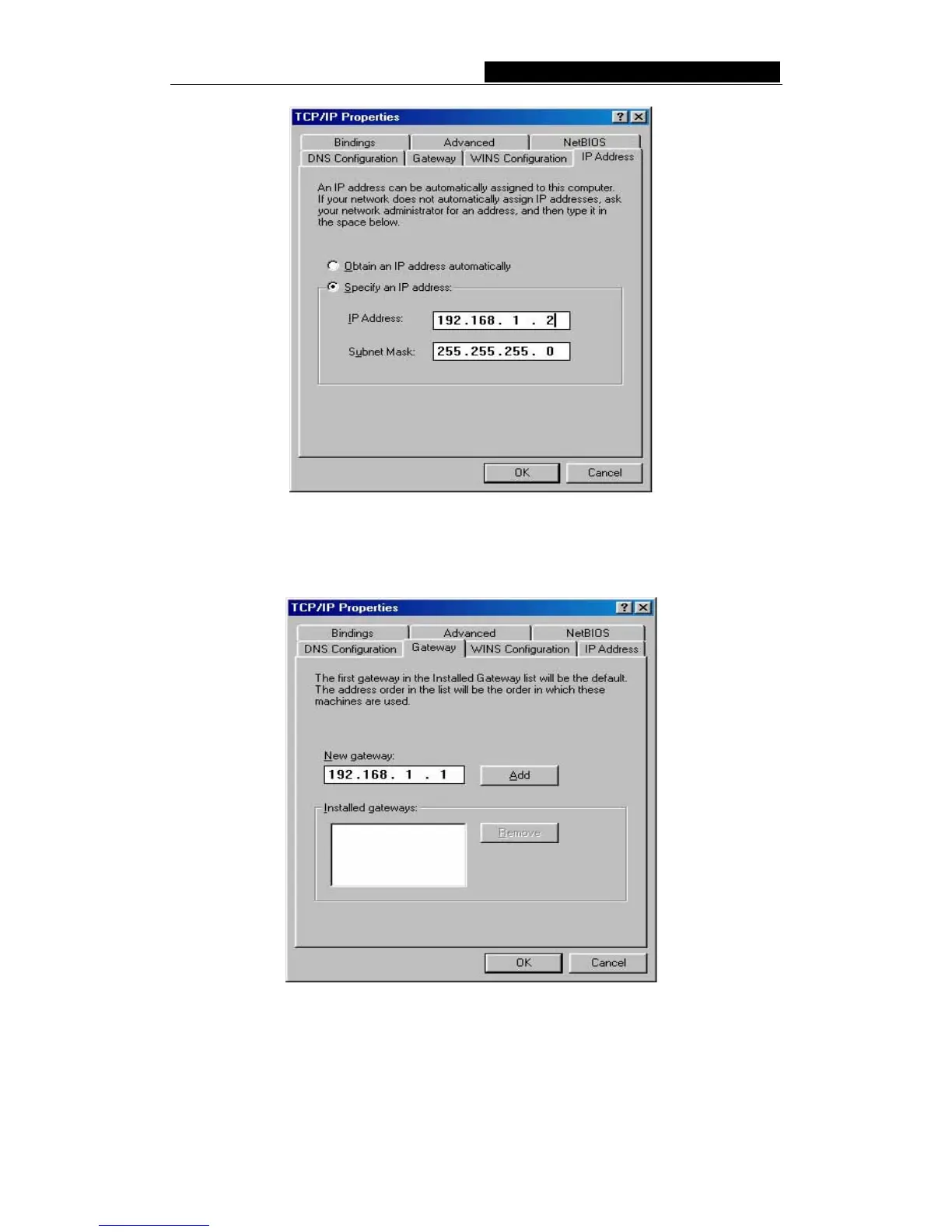
Figure B-7 IP Address tab
b. Type the router’s LAN IP address (the default IP is 192.168.50.1) into the
New gateway field on the Gateway tab, and click on the Add button, as
shown in the figure:
Figure B-8 Gateway tab
c. On the DNS Configuration tab, click Enable DNS radio, and type your
computer name in to the Host field and a Domain (such as szonline.com)
into the Domain field. In the DNS Server Search Order field you can type
the DNS server IP address, which has been provided by your ISP, and click



 To Next Page