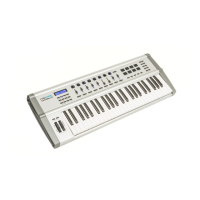
Proceed as follows to turn all notes off:
1. Press [EDIT] to activate the Edit mode.
2. Press [ALL NOTES OFF].
3. Confirm with [ENTER].
4. Press [EDIT] to leave the Edit mode.
Proceed as follows to reset the MIDI settings:
1. Press [EDIT] to activate the Edit mode.
2. Press [RESET ALL].
3. Confirm the input with [ENTER].
4. Press [EDIT] to leave the Edit mode.
Proceed as follows to reset the MIDI settings:
1. Press [EDIT] to activate the Edit mode.
2. Press [DEFAULT].
3. Confirm the input with [ENTER].
4. Press [EDIT] to leave the Edit mode.
All notes off (Panic function)
MIDI reset command
Reset to factory defaults
Functions
EasyKey 25, EasyKey 49, EasyKey 61
15



 To Next Page