6
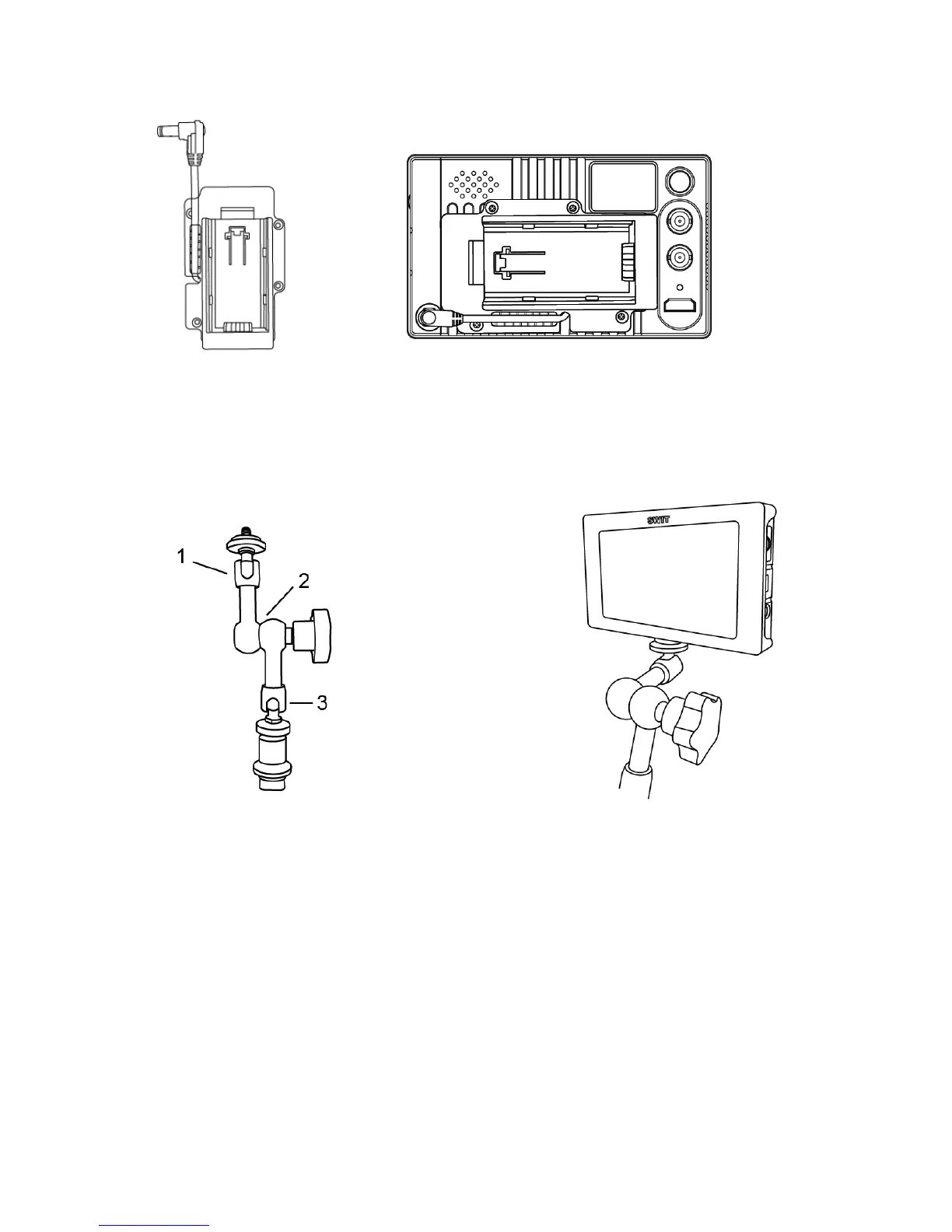
2. Battery plate
Install the battery plate on the back panel of the monitor as shown above, fix with four screws,
then insert the power connector with lock to the rear housing power port, and twist the latch portion
clockwise to the end. Mounting the battery to the plate can power the monitor.
3. Arm Trestle
Asshowninthepictureabovewhichmarkedwith1,2,3ofthearmtrestlecanbe360°rotated.Usercan
rotatetoanypositionaccordingtotheirneeds.
Thereisa1/4 threadmountingholesoneachtopandbottomofthemonitortoconnectthemonitor
and
armtrestletogether.



 To Next Page