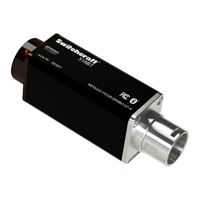
318BTS Stereo Phantom Powered Bluetooth® Audio Receiver User Manual Rev 0A Page 6
After 30 sec (or by pressing the reset button),
both Red and Yellow LEDs will blink, this means the
device is ready to be paired, turn on the Bluetooth
connectivity on your device (Phone, PC, tablet
...etc.) and connect to the 318BTS with the name
Switchcraft-XXXXX.
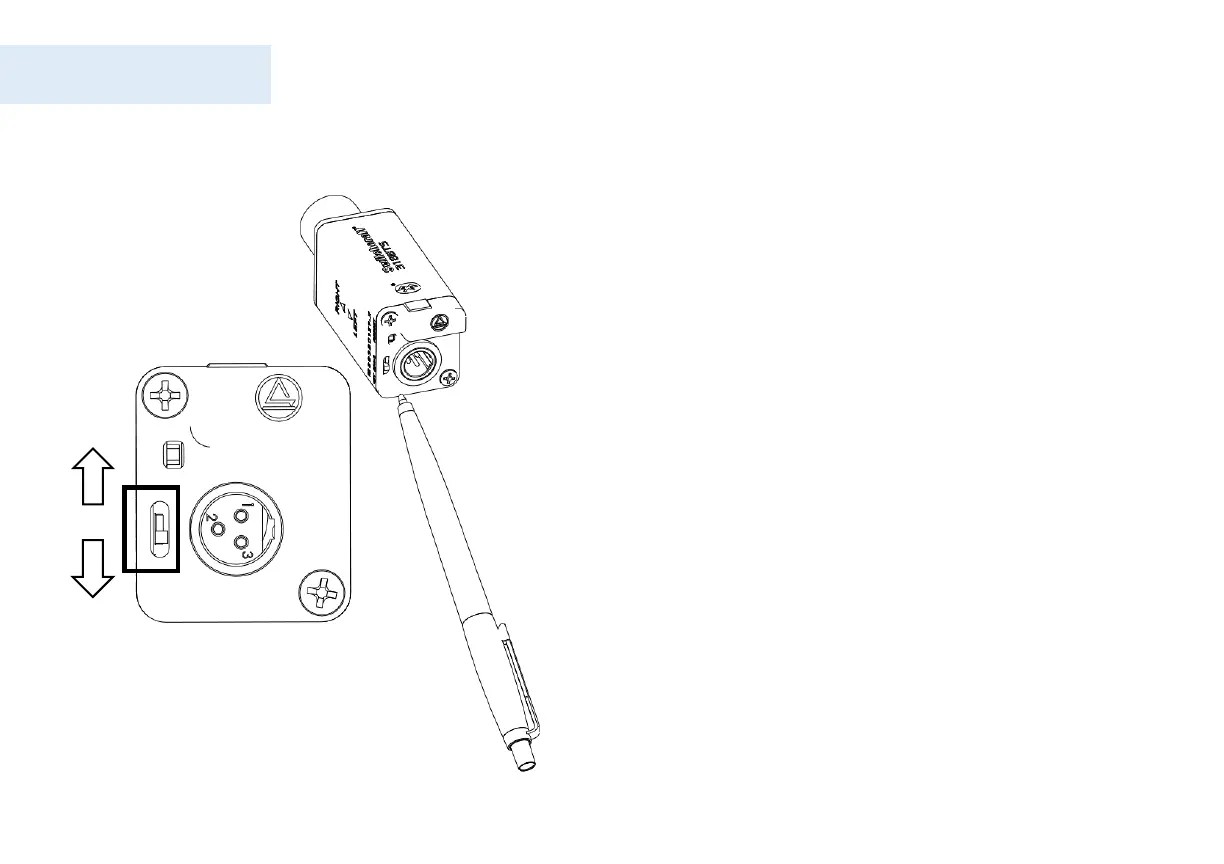
Slide the function switch using a pen to select a
mode as shown.
See “output configuration” for more details
When connected; LED will be lit solid yellow, and
now it is ready to receive audio.
LED indicators summary:
☼ ☼ Red and yellow blinking: ready to connect.
● Solid yellow: connected.
☼ Blinking Red: Looking for paired devices (OR)
lost connection.
Connecting 318BTS for the first time (cont.)


 To Next Page